18 Getting Started - Connecting Devices
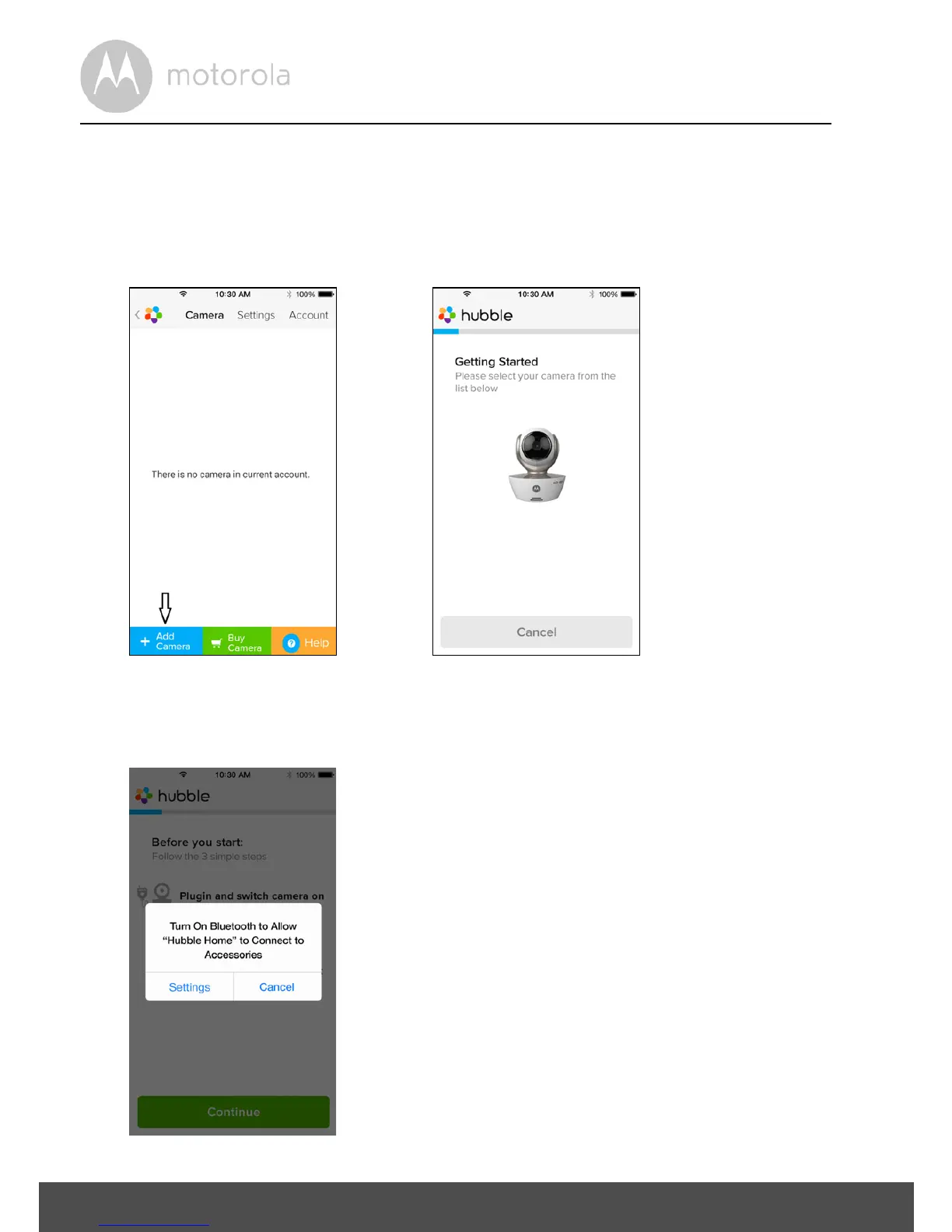
3.3.4 Add Camera to your account
• Create a new account and Login.
• Tap on Add Camera. (Picture i2)
• Tap on “MBP85CONNECT”. (Picture i3)
• Follow on-screen instructions to turn on the Bluetooth™ function on your
iPhone
®
/iPad
®
.



 To Next Page
 Loading...







