32 Camera
4.3 Camera Functions:
Working with iPhone
®
/iPad
®
• Run the Hubble App on your iPhone
®
/iPad
®
.
• The Camera view appears on the screen.
4.3.1 Add more Cameras
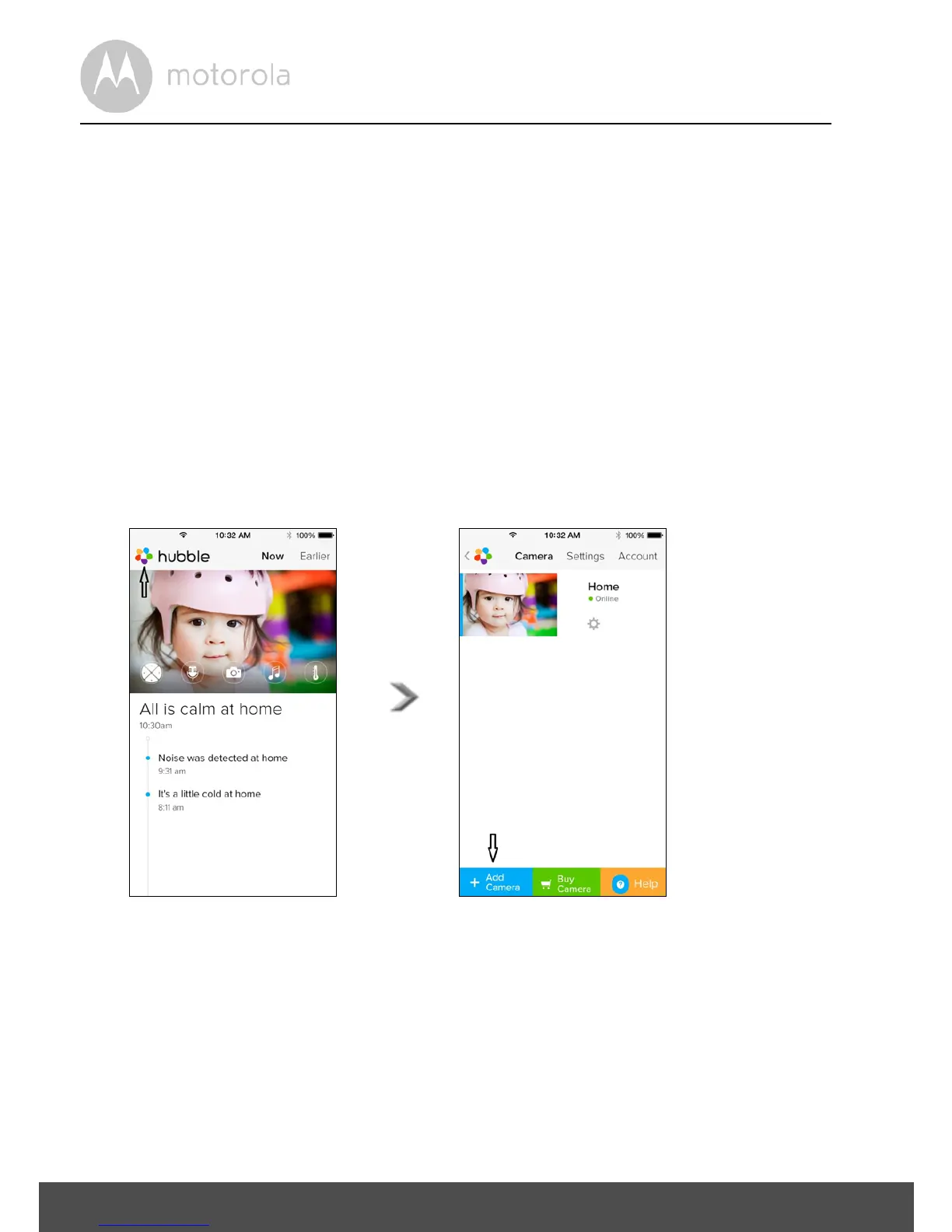
• Whilst in the Camera view, tap on the Motorola logo to go to the Add Camera
page. (Picture i15)
• Tap on Add Camera to add another Camera (follow steps for iPhone
®
/iPad
®
setup 3.3.4.) (Picture i16)
• Once the Camera has been added, the Camera view will automatically be
displayed.
Note:
You can only add up to 4 Cameras connected to one account.



 To Next Page
 Loading...







