User Manual
1
11
Lo
cal: When selecting Local, the events are recorded in the local memory.
Remote: When selecting Remote, the events are sent to the specified IP
address and UDP port of the remote system log server.
Both: When selecting Both, the events are recorded in the local memory or
sent to the specified IP address and UDP port of the remote system log
server.
After finishing setting, click the Apply/Save button to save and apply the settings.
Note:
If you want to log all the events, you need to select the Debugging log level.
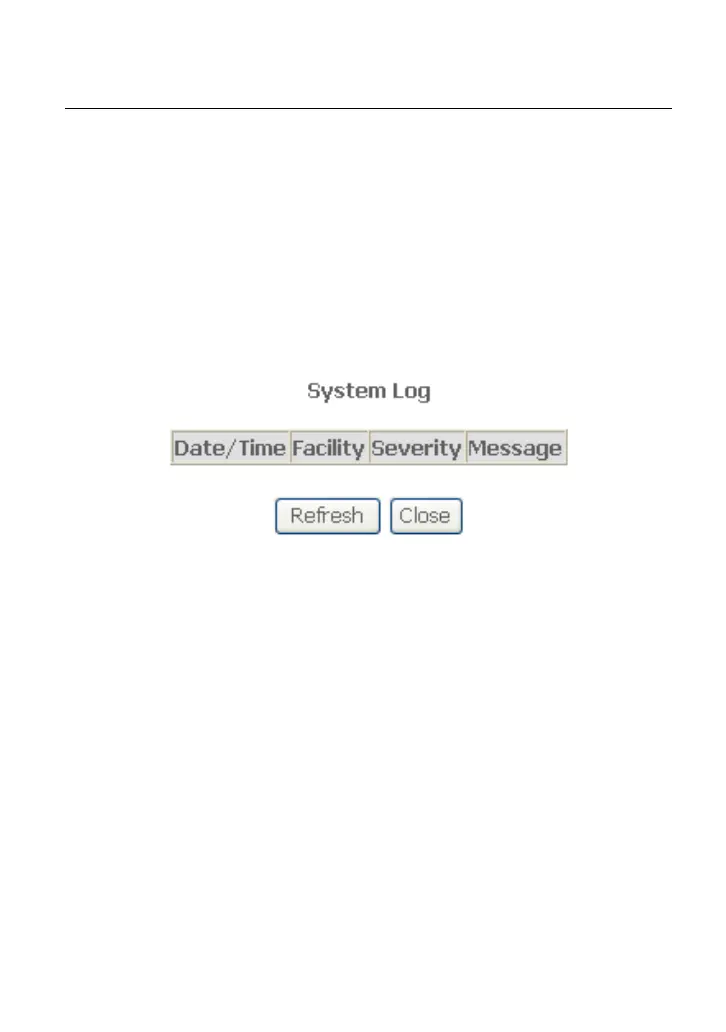
View System Log
Click the View System Log button to display the following page.
In this page, you can view the system log.
Click the Refresh button to refresh the system log. Click the Close button to exit.
4.5.3
S
NMP Agent
Ch
oose Management > SNMP Agent, and the following page appears.



 To Next Page
 Loading...










