User Manual
1
12
Si
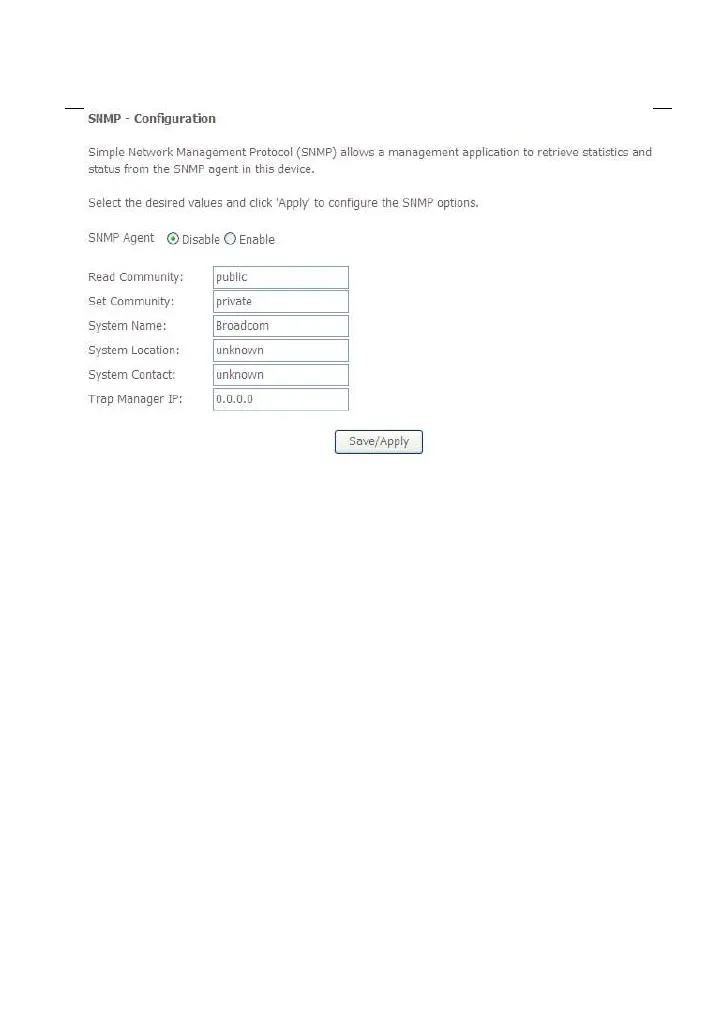
mple Network Management Protocol (SNMP) allows a management application to
retrieve statistics and status from the SNMP agent in this device.
In this page, you may enable or disable the SNMP agent and set the parameters such
as the read community, system name and trap manager IP.
After finishing setting, click the Save/Apply button to save and apply the settings.
4
.5.4
T
R-69 Client
C
hoose Management > TR-069Client to display the following page.



 To Next Page
 Loading...










