
 Need help?
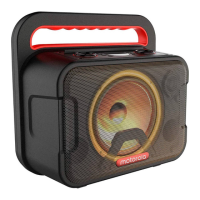
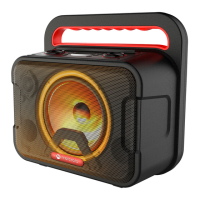
Do you have a question about the Motorola ROKR 810 and is the answer not in the manual?
Connect the micro-USB cable to the speaker and a power source.
Press and hold the power button for 3 seconds.
Connect USB devices to the speaker's USB port.
Automatic sleep mode after 15 minutes of inactivity.
Connect your smartphone or tablet via Bluetooth.
Operational range is 10 meters; use '0000' if PIN is requested.
How to disconnect a Bluetooth-enabled device.
Automatic reconnection or manual selection.
Press and hold TWS button for 3 seconds to link two ROKR 810 speakers.
Press and hold TWS button or power off to exit.
DC input, battery type, capacity, and output power.
Driver size, impedance, frequency response, S/N ratio.
Bluetooth version, profile, range, USB formats.
Dimensions and net weight.



 To Next Page
 General