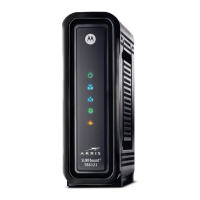
By default, a security key has been set up on this modem. The code can be found by the word
"Passcode" on the sticker on the bottom of the modem. If you cannot read the sticker OR the
security key has been changed, you can view the current key by clicking "Show Key."
4) Change the security key
You can click in the WPA Pre-Shared Key box, erase what is there and type a new key of 10 or
more numbers and letters. Then click Apply at the bottom to save your change.
Important!
Do not give your wireless security code out to anyone that you do not want
using your Internet. Remember that what they do through their computer
is your responsibility and their use of your connection could detract from
the speed/performance that you experience.
Troubleshooting



 To Next Page
 Loading...