INSTALLATION SECTION 2
SECTION 2, INSTALLATION 2-3
Wall Mount Installation
If you mount the router on the wall, you must:
! Locate the unit as specified by the local or national codes
governing residential or business communications services.
! Follow all local standards for installing a network interface
unit/network interface device (NIU/NID).
If possible, mount the router to concrete, masonry, a wooden stud, or
other very solid wall material. Use anchors if necessary; for example
if you must mount the unit on drywall.
To mount your router on the wall:
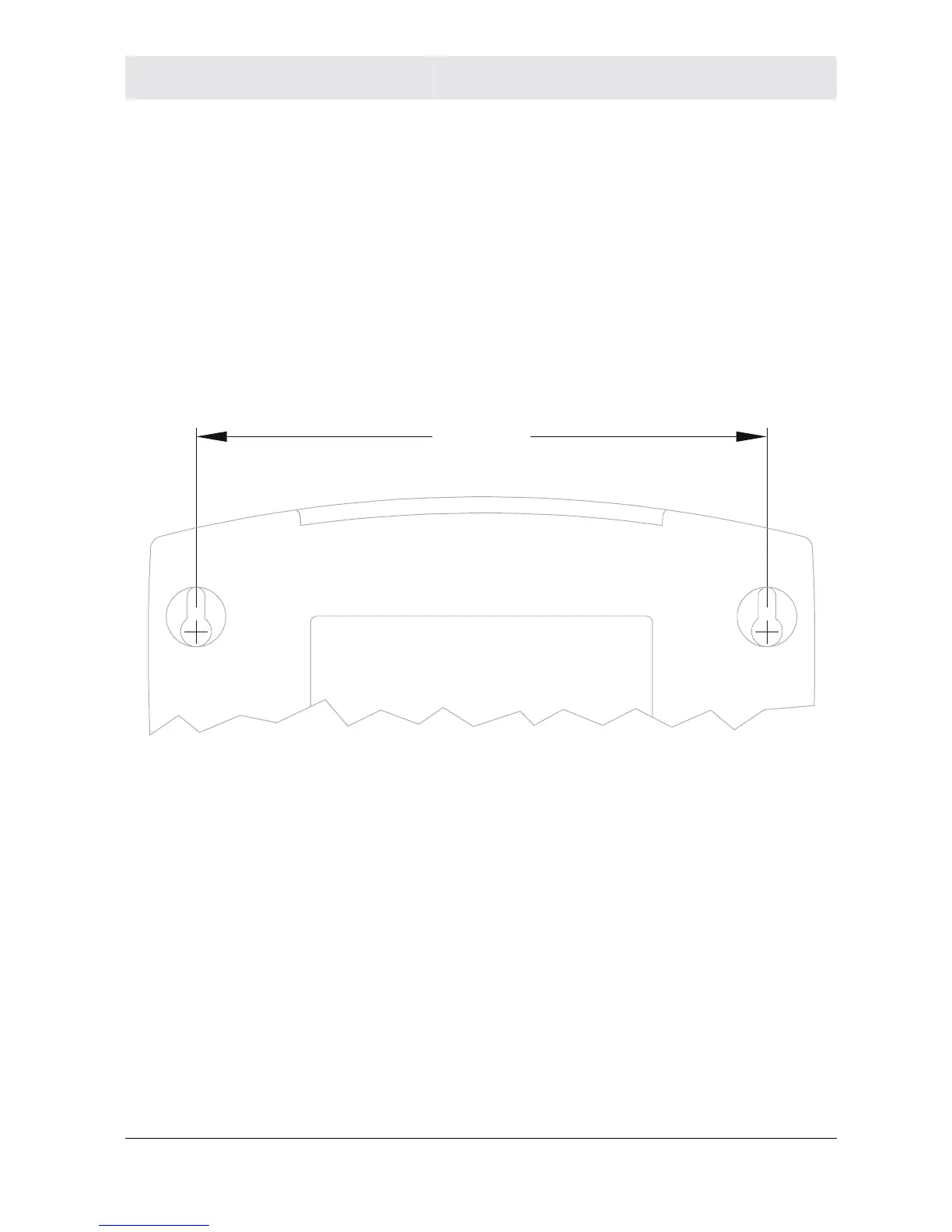
1 Print the Wall Mounting Template:
5.1”
[129.5mm]
The illustration is drawn at a one-to-one scale, which means that
when printed, it provides the exact dimensions required to mount
the unit.



 To Next Page
 Loading...




