INSTALLATION SECTION 2
SECTION 2, INSTALLATION 2-11
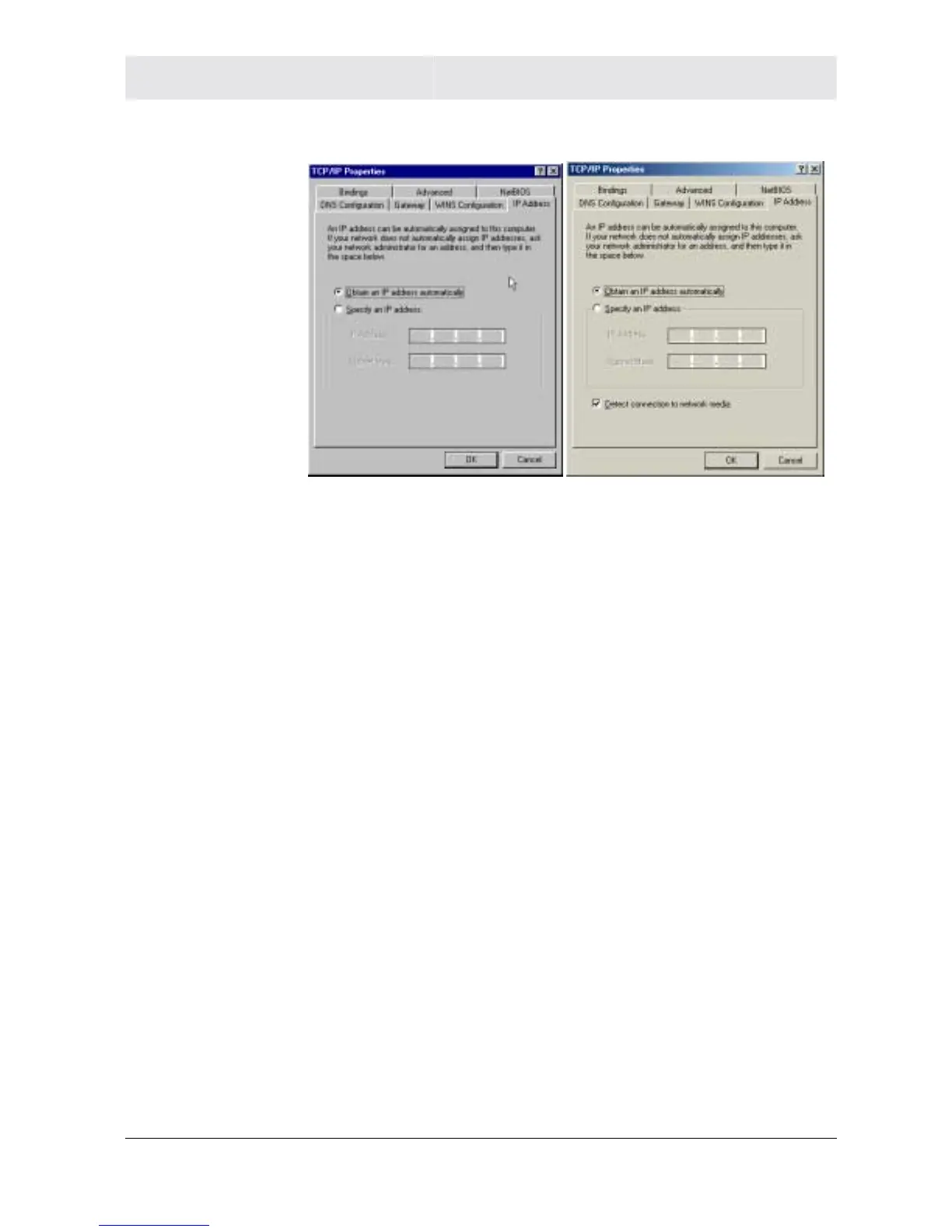
5 Click Properties. The TCP/IP Properties window is displayed:
Windows 98SE Windows ME
6 Click the IP address tab.
7 Select Obtain an IP address automatically.
8 Click OK.
9 Click the Gateway tab and check to make sure that the Installed
Gateway field is blank.
10 Click OK twice. Windows might ask for the Windows installation
disk. First check to see if the installation files are installed at
c:\windows\options\cabs. Otherwise, install your Windows CD
and follow the prompts.
11 Restart your computer to save your settings.
12 Proceed to the Configure Your Wireless Settings section to set up
the security settings.
Configuring Windows 2000
1 Click Start.
2 Select Settings.
3 Select Control Panel.
4 Double-click Network and Dial-Up Connections.



 To Next Page
 Loading...




