CONFIGURATION SECTION 3
SECTION 3, CONFIGURATION 3-11
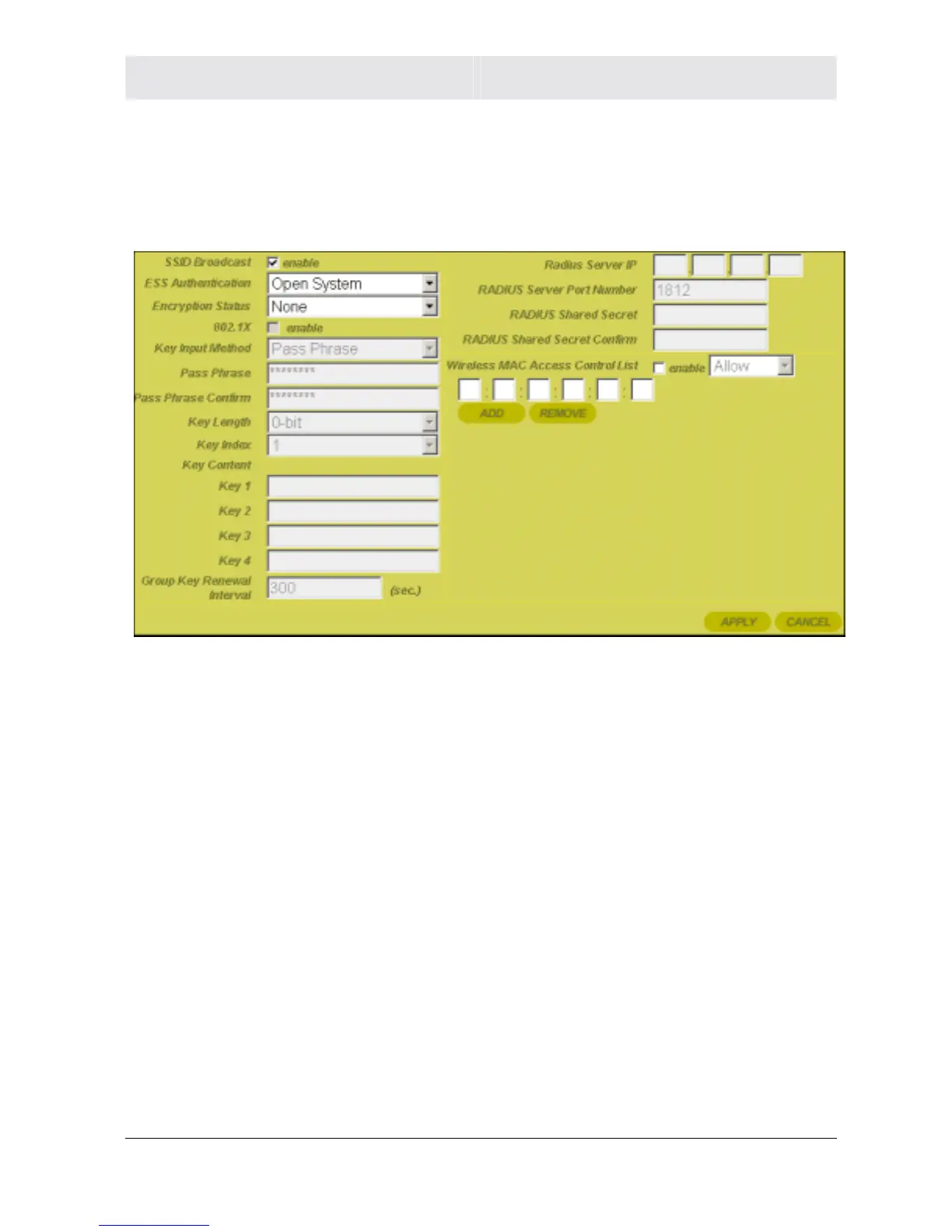
Wireless - Security
This screen enables wireless security settings. Some fields activate
other options. Refer to the descriptions for details. To access the
screen, click Wireless > Security.
Click Apply to save your settings or Cancel to cancel changes.
Field Description
SSID Broadcast Service Set Identifier (SSID). Broadcasts the
SSID of the router to devices on your network.
This enables wireless clients, like a laptop, to
receive the router’s SSID. If you don’t want the
SSID to be broadcast, disable this feature. The
default is enabled.



 To Next Page
 Loading...




