Preset # change (Not available on RUN)
Data : 1 - 15 for preset #1 - 15
16 for Multi sequence A
17 for Multi sequence B
4004
Forward / Loosening ( F=0, L=1 ) 4005
Output test only ( 0 : off, 1 : on)
( MSB=OUT 8, LSB=OUT 1)
ex) 0xff : output 1 - 8 port all on
ex) 0x0f : output 1 - 4 port on
4006
Output test enable (0 : disable, 1: enable)
4007
Model# change (Not available on RUN)
Data: 1- 15 for preset# 1 - 15
4008
★ Please refer to the operation manual of ParaMon PC software for details of parameter settings.
7.4 Monitoring
To
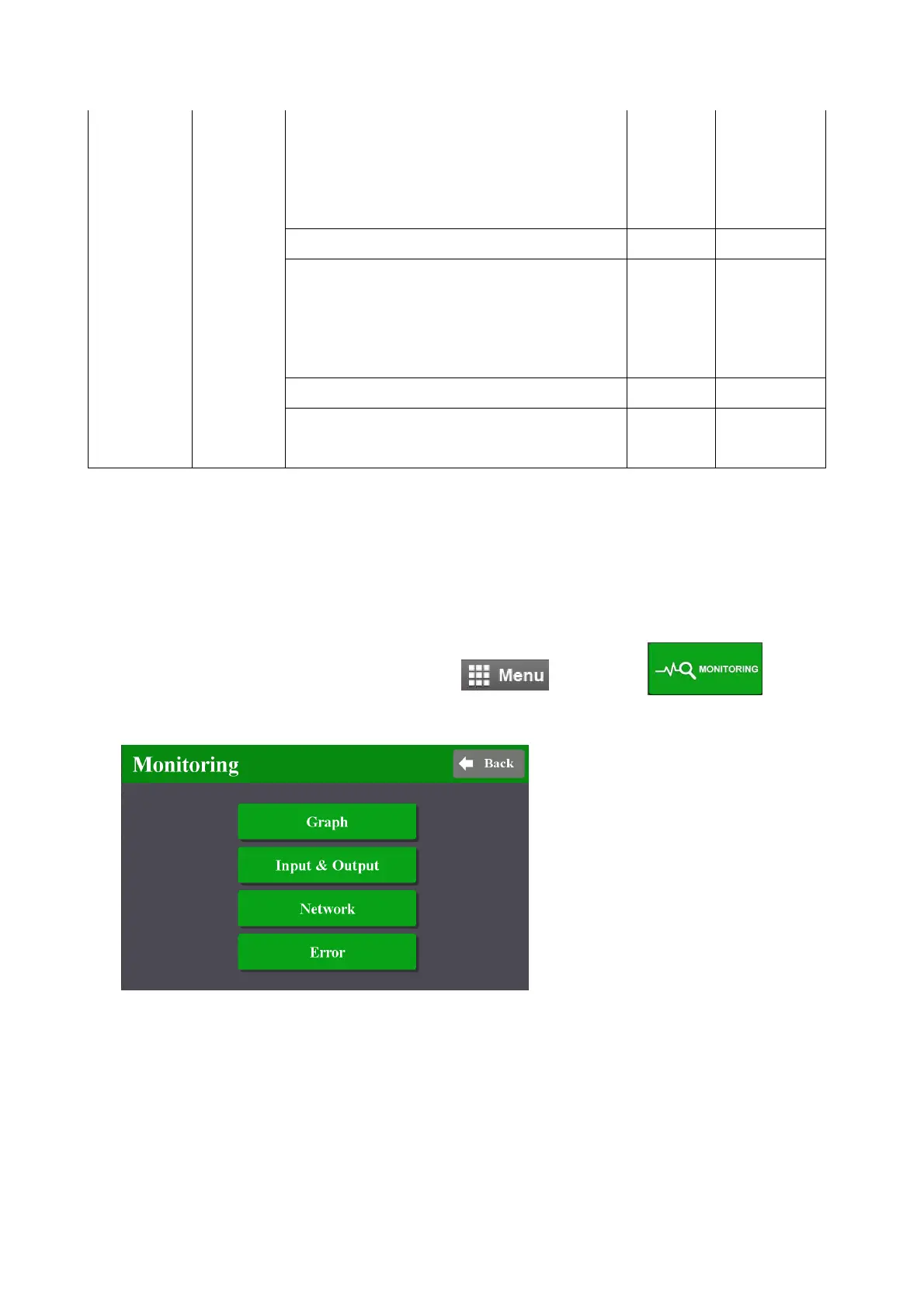
monitor fastening data and I/O status, Click and go to
There are three(3) real-time monitoring menu and one error history.
- Graph : torque, Angle, Speed
and current
- I/O : Input & output status
- Network : RS-232 & Ethernet
settings
- Error : latest 8 error history
mountztorque.com - 1080 N 11th St, San Jose CA 95112 - 408.292.2214



 To Next Page