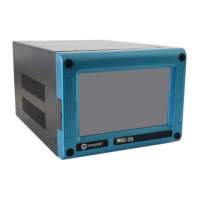
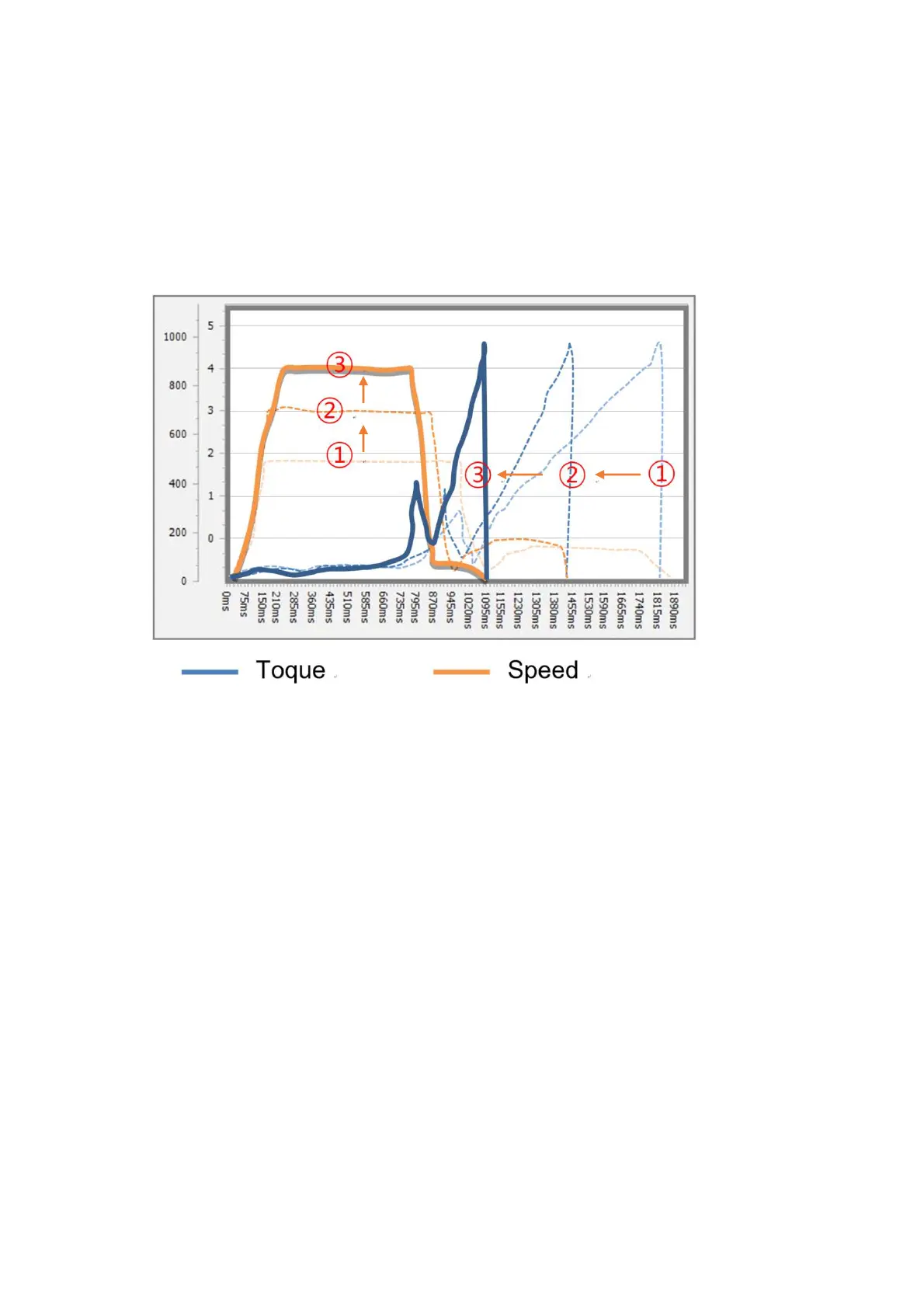
MD tool has the auto speed setting feature against torque setting not to provide any over
torque by speed shock. This auto speed is safe speed on the hard joint condition. On the
real application, this setting can be changed manually. Auto customizing feature provides
most optimized parameter settings for saving cycle time on the real application.
① Select Preset # to modify parameter settings
② Select one of Soft & Hard joint condition when it is obviously clear or both together when
it is not clear to be clarified, then click START
③ Apply screw tightening several times until there is no more parameter changing on the
simulation & modification window. Be sure that the fastening condition should be same
during the process. The system changes parameter values by the previous fastening
data.
④ Once there is no more changes on the simulation & modification window, click STOP to
finish testing.
⑤ Click APPLY to apply the settings on the simulation & modification window. The setting
can be modified by manually before applying them.
time
Speed Torque
mountztorque.com - 1080 N 11th St, San Jose CA 95112 - 408.292.2214


 To Next Page
 Loading...