OPERATING INSTRUCTIONS
49
CONFIGURATION
Access to the configuration panel can be done by holding down the START and STOP buttons
(BUTTONS 11 and 12) for around 3 seconds. The LED Array (FIELD 7) displaying the text "MDL"
indicates that the panel is in configuration mode.
To access the next setting parameter, press the START button (BUTTON 11).
To exit setup mode, press the STOP button (BUTTON 12).
CONFIGURATION PARAMETERS:
MDL - MODEL
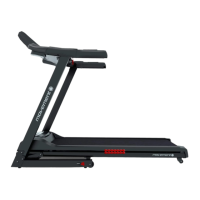
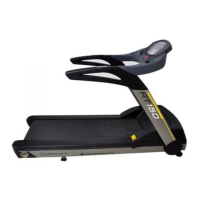
Allows you to select the treadmill model in which the panel is installed according to the table
below.
ELECTRONIC PANEL MODELS
MODEL
000
001
TREADMILL
MINIMUM
SPEED (km/h)
MINIMUM
SPEED (km/h)
INCLINE
INCLINE
VARIATION (%)
1,2
1,2
1,2
1,2
NÃO
SIM
0,0
1,0
To select a model, use the speed buttons (BUTTONS 9 and 10).
NOTE: Do not select a different model of the treadmill than that purchased so that no
malfunction occurs.
VER - Version:
Allows the software version of the panel to be verified.


 To Next Page