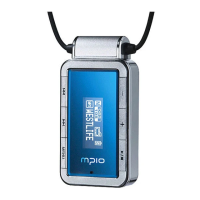
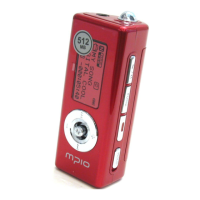
Keeping your MG100 up-to-date
To upgrade your MG100
Prior to upgrading your MG100, please make sure that all your songs and files inside MG100
are backed up; and that MG100’s battery is full.
Follow below instructions carefully.
• Download the firmware from MPIO Web site at www.mpio.com
• Turn on MG100 and connect it to your computer with the provided USB cable.
• Make sure that your computer has recognized MG100 as an external storage, or
MSC(Mass Storage Class); and that you’re able to access the directories and folders
of MG100.
• Double-click the downloaded upgrade file to start upgrade process.
• Follow the instructions on screen.
• When the upgrade is finished, disconnect your MG100 from the computer and follow
any further instructions given on MG100’s display.
Click Click Click Click Click


 To Previous Page