12
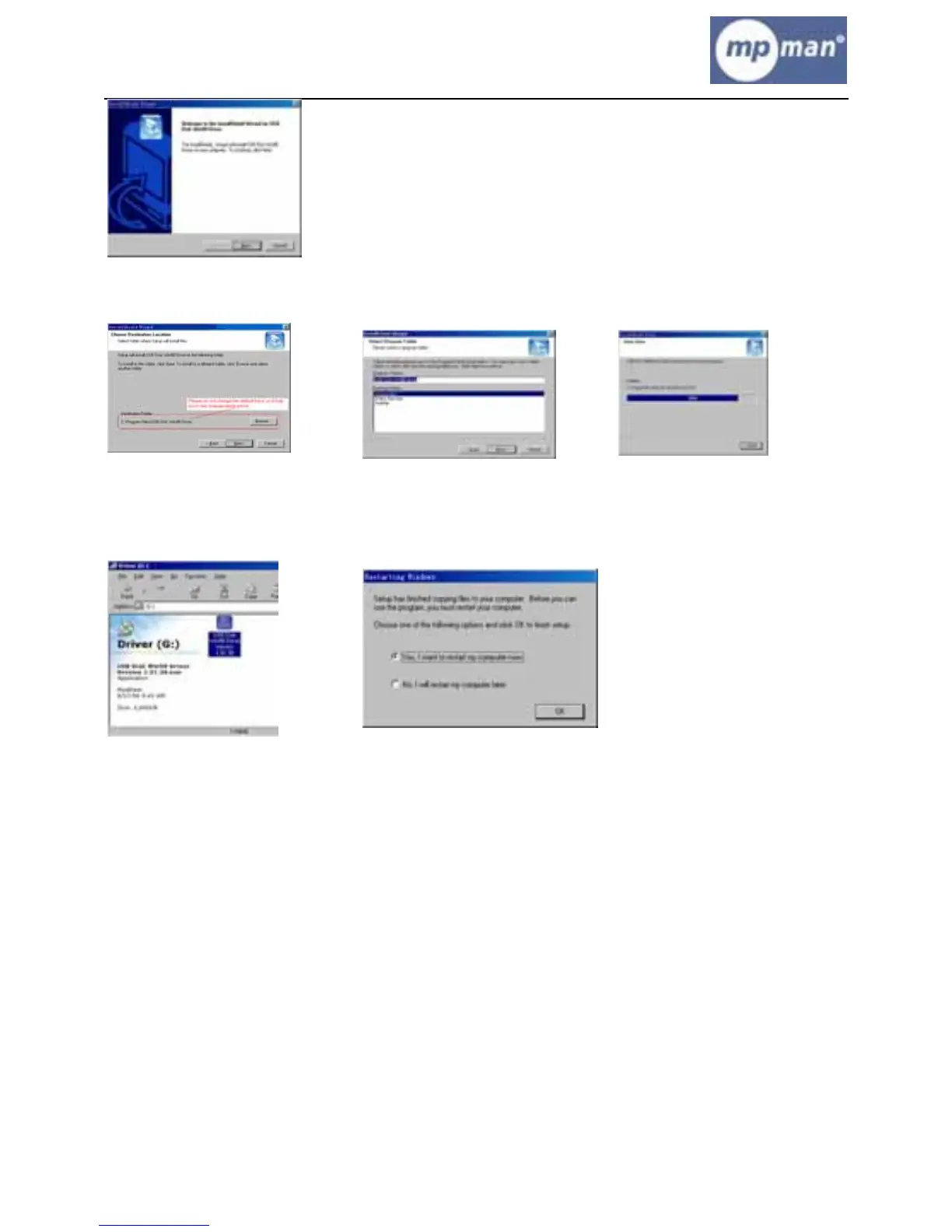
(4) Click “Next>” to enter into next step.
(5) Close the Driver (G:) window, then clicks “OK” to finish setup process and restart
your computer now, then you can use the MP4 player.
2. Format the MP4 player
The MP4 player is “FAT 32” format. If you wish to format it, right click removable disk
and choose “Format” mode, then click “Start” to format in operating system. As following
pictures show:


 To Next Page