19
Under playback mode, press the left key to select previous file or press the right key to
select next file.
When recording is selected, press OK key to start the play, meanwhile, the play
timekeeper will appear on the right upper corner on the screen. During the play process,
press the up key to pause the play. After the play pauses, the play can continue by
pressing recording key and the play will be stopped by pressing Menu key.
When photo is selected, press T key to enlarge the photo and press OK key for
confirmation and then use up and down key to move the photo.
S
S
S
S etting
etting
etting
etting playback
playback
playback
playback menu
menu
menu
menu
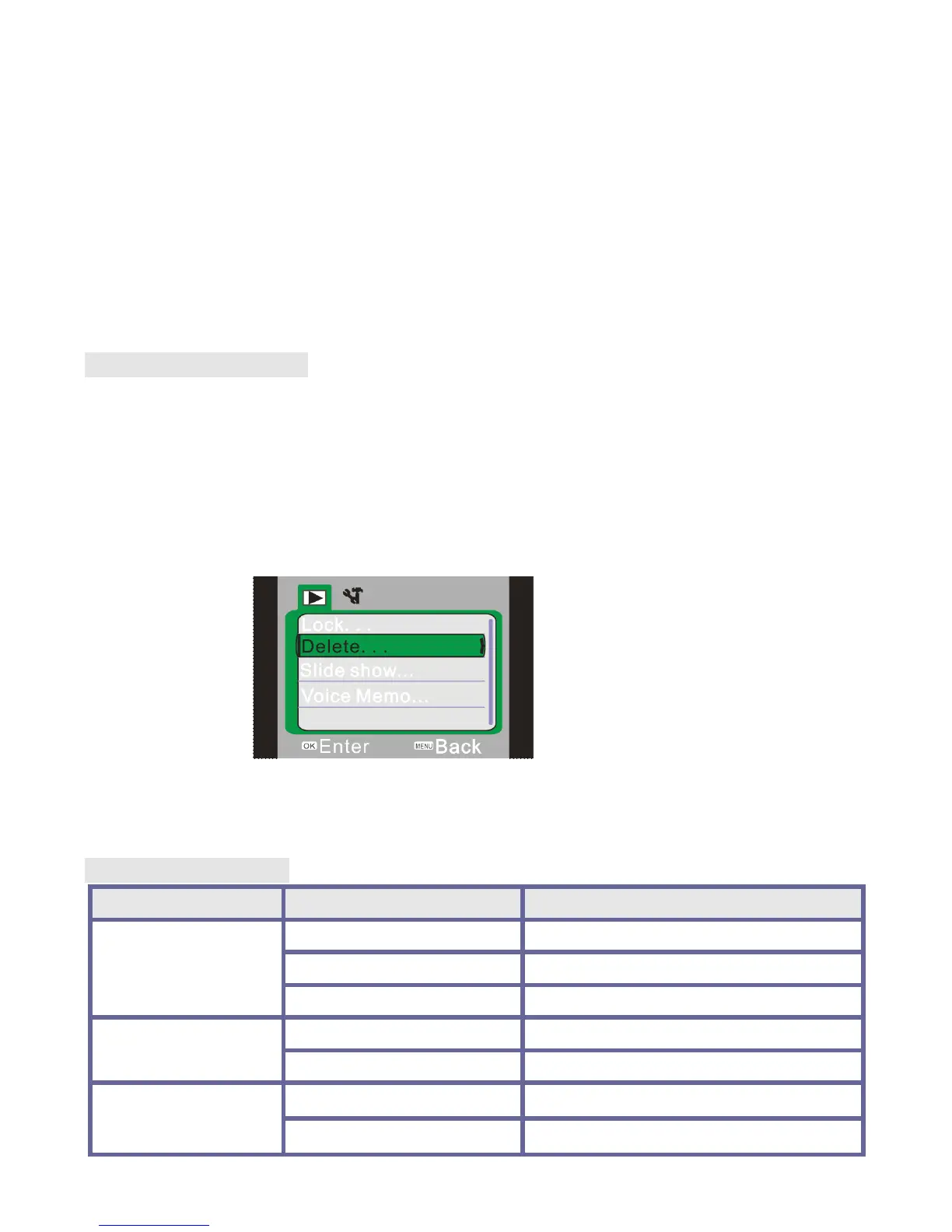
Press the menu key to open playback main menu and press the up key or down key to
select the menu. Then press OK key to enter the submenu. In the submenu, press the
menu key or OK key to return to the main menu. Then press the up key or down key to
select and press OK key for confirmation. After returning to the main menu, it is possible
to exit from the menu by pressing the menu key.
When selecting menus, the selected menu is highlighted.
▲ playback menu
Picture
Picture
Picture
Picture menu
menu
menu
menu options:
options:
options:
options:
Main
Main
Main
Main menu
menu
menu
menu Submenu
Submenu
Submenu
Submenu Description
Description
Description
Description
File lock
Lock/unlock the file Lock/unlock current file
Lock all Lock all files
Unlock all Unlock all files
File deleting
Delete the file Delete current file
Delete all Delete all files
Slide play
Start Start slide play
Interval 1 s ~10 s


 To Next Page
 Loading...