EasyManua.ls Logo

MPMan PDVS7228 - User Manual

MPMan PDVS7228
48 pages
Print Icon
To Next Page IconTo Next Page
Loading...
Operating Manual
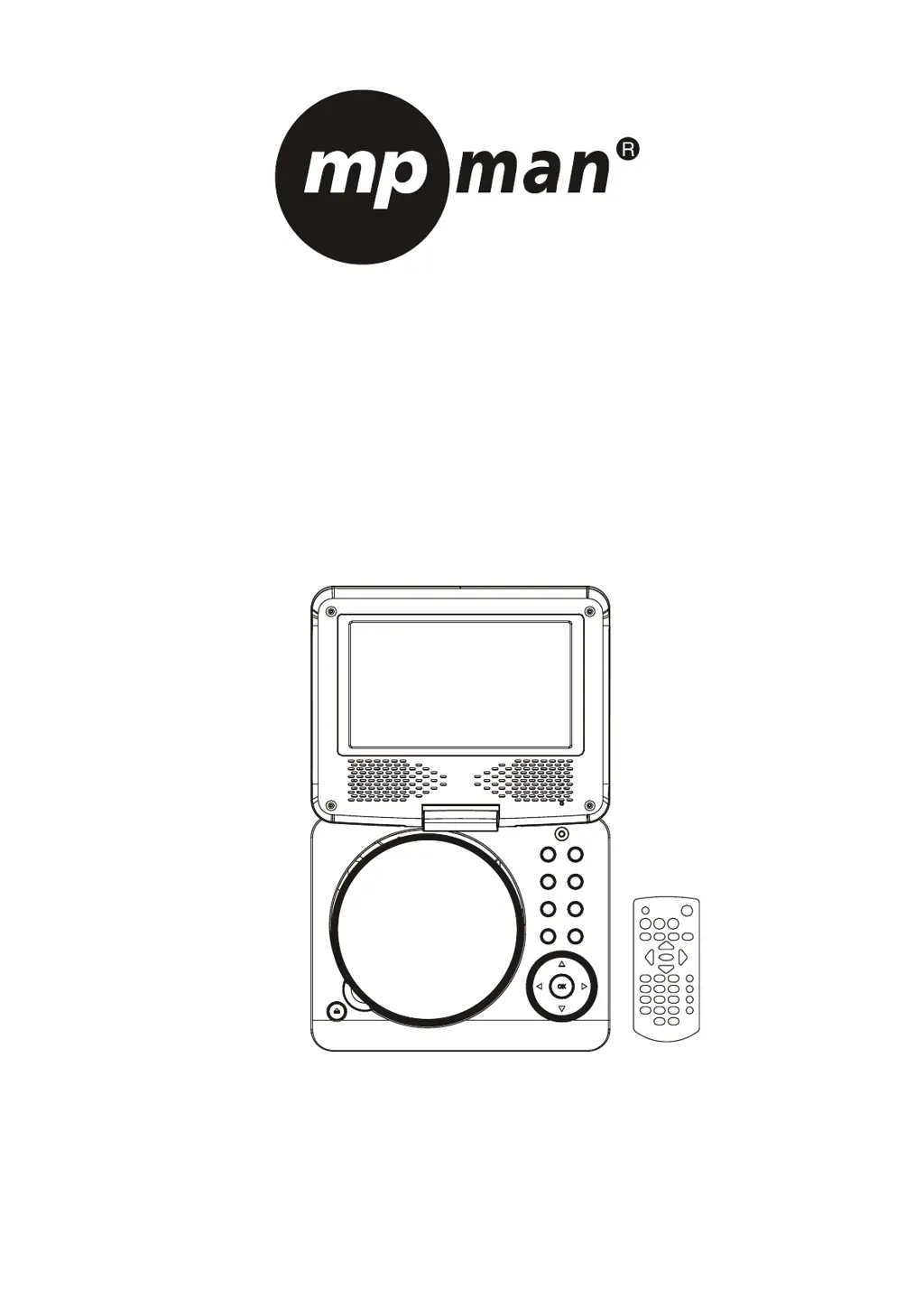
PORTABLE LCD DVD PLAYER
Model: PDVS7228
READ THESE INSTRUCTIONS INCLUDED IN THIS IM THOROUGHLY PRIOR TO CONNECTING AND OPERATING.
PLEASE RETAIN THIS MANUAL IN CASE YOU MAY NEED IT FOR FUTURE REFERENCE.
THE ILLUSTRATIONS & GRAPHICS HEREIN ARE FOR REFERENCE ONLY AND SUBJECT TO CHANGE WITHOUT NOTICE.

Questions and Answers

  • A
    Ashley ClarkAug 7, 2025
    Why is there no picture or sound on my MPMan Portable DVD Player?
    • C
      Christopher CalhounAug 7, 2025
      If you are experiencing a lack of picture or sound, verify that the A/V cables are securely connected. Ensure that you are using a compatible disc format such as DVD, DVD-RW, or AUDIO CD. Avoid using scratched or dirty discs, and confirm that the label-side of the disc is facing up. If these steps don't resolve the issue, the pick-up lens of the DVD player may be dirty, and you may need to contact a service center for lens cleaning. Also, if viewing with a TV, check that the TV channel is set to VIDEO or AV.
  • M
    Michelle NguyenAug 11, 2025
    What to do if my MPMan PDVS7228 remote control won't work?
    • B
      Beth PetersenAug 11, 2025
      If the remote control is not working, first check that the battery is inserted correctly, paying attention to the '+' and '-' direction. The battery may be flat, so try replacing it with a new one. Ensure that the signal transmission is directed at the remote control sensor on the DVD player and that there are no obstacles blocking the signal between the remote controller and the remote control sensor.
  • A
    aguilarjessicaAug 15, 2025
    Why does my MPMan Portable DVD Player power not turn on or suddenly turn off?
    • J
      James MooreAug 15, 2025
      If your device isn't powering on or suddenly shuts off, ensure the adapter is securely plugged in. If the issue persists, try turning the power off and then back on.
  • D
    drew40Aug 20, 2025
    Why is there no sound from my MPMan Portable DVD Player?
    • M
      Madison DominguezAug 20, 2025
      If there is no sound, make sure that the display panel is open. Check the volume setting and increase it if it is set to zero. Also, ensure that headphones are not plugged into the PHONES socket, as speakers cannot be used simultaneously with headphones.
  • V
    Vickie MillerAug 25, 2025
    What to do if my MPMan Portable DVD Player has no picture?
    • C
      Charlene ParksAug 25, 2025
      If there is no picture, ensure that the LCD display is turned on.
  • R
    Roberto JohnsonAug 28, 2025
    Why does my MPMan PDVS7228 Portable DVD Player battery pack not turn on or suddenly turn off?
    • J
      Joel MartinAug 28, 2025
      If the battery pack is installed but the device doesn't power on or suddenly turns off, ensure that the battery pack is charged. If it is not charged, recharge it.
  • F
    fcamachoSep 2, 2025
    Why is the video or sound distorted on my MPMan Portable DVD Player?
    • R
      Ricardo WilsonSep 2, 2025
      If you are experiencing distorted video or sound, try using a disc that is free from scratches or dents.

MPMan PDVS7228 Specifications

General IconGeneral
Resolution480 x 234 pixels
Display Size7 inches
Supported FormatsDVD, CD, MP3, JPEG
ConnectivityAV output
Power SourceAC adapter, rechargeable battery
Audio OutputHeadphone jack