11
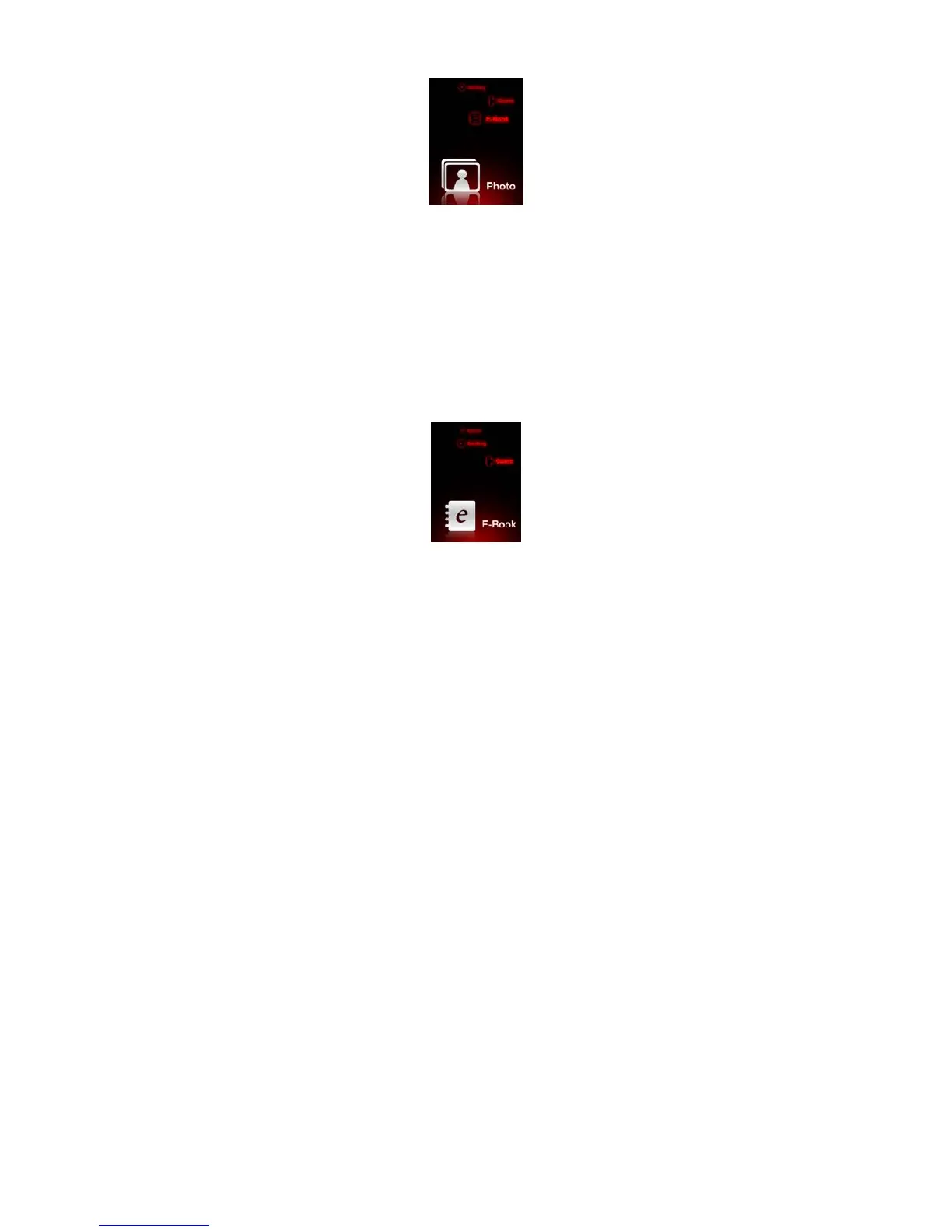
Photo
Choose " Photo " in the main menu, , press [M] key to confirm.
● In the “PICTURE” list, choose any picture file by pressing [<<,>>] keys.
● Press [>II] key to see the selected picture file,
Pressing [<<,>>] keys will make you see pre/next pictures.
● Pressing [M] key for 1 or more second will make you go back to main menu.
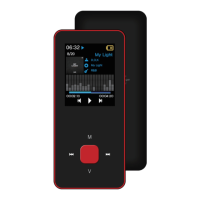
E-book
Choose " E-Book " in the main menu, press [M] key to confirm.
● In the “TEXT” list, choose any text file by pressing [<<,>>] keys.


 To Next Page