7
Music
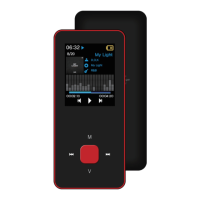
Choose " Music " in the main menu, press [M] key to confirm.
● Press [>II] button while playing music to pause
Press [>II] button again to play music.
Press [>II] button one more time for 1.5 second and the music would stop immediately.
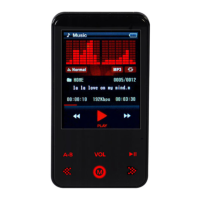
● Press VOL key and enter ‘Volume menu’ to regulate the volume and press " << " or " >> " to
make sound reduce or increase. (‘VOL’ would only work in playing mode)
● Pressing the [M] button for a long time will make you go back to the main menu.


 To Next Page