19
b. When you want to unplug the MP3 player from the USB port of the computer, be
noted
to "PC-----" on LCD. If LCD is blinking with "USB-SA" or "USB-rd", it indicates that
data is being transferred. Unplug the MP3 player when it displays "PC-----".
Special notice: Normal un-installation for USB device is required under Windows 2000
or Windows XP; otherwise it may cause damage or data loss to the player. Operating
steps are as follow:
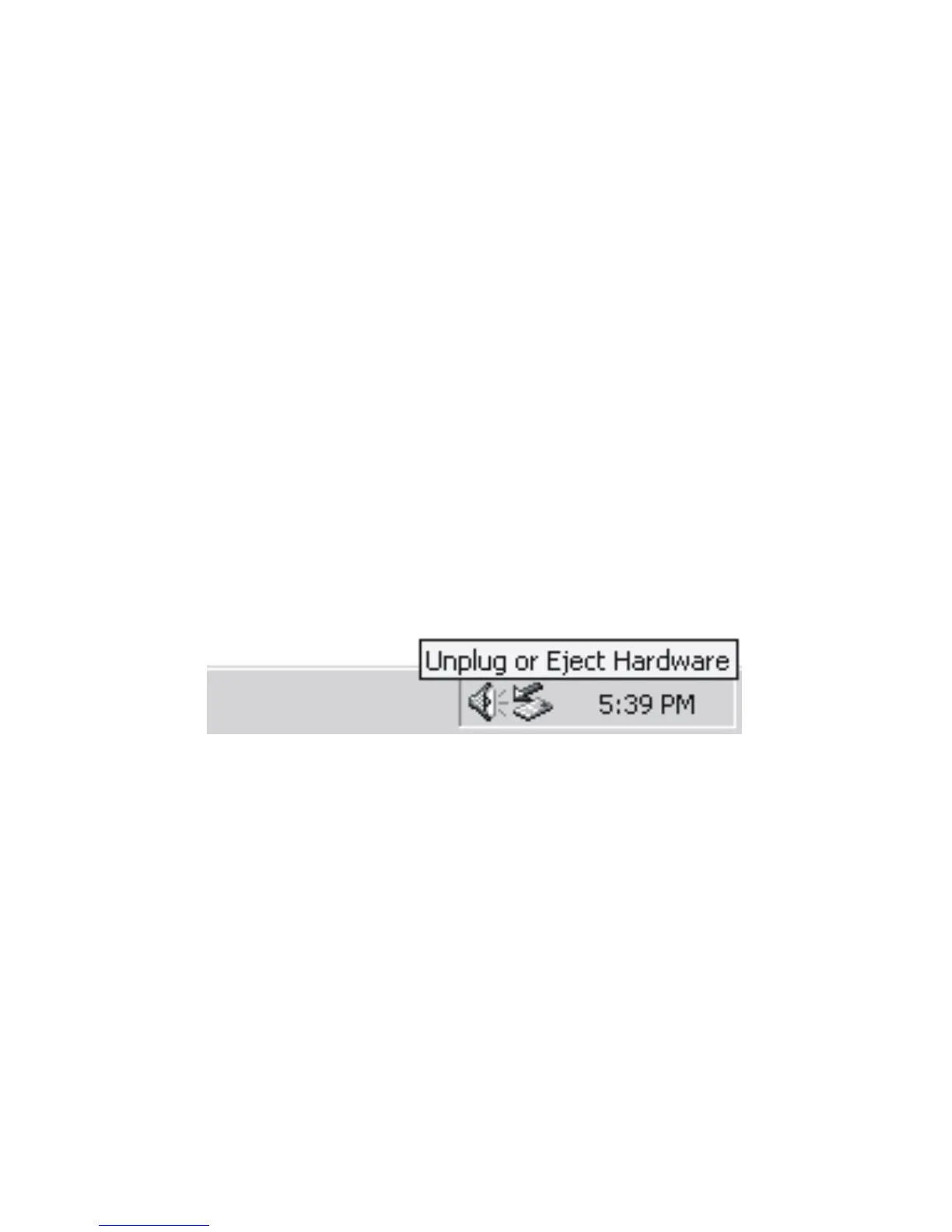
a. Double clicks on icon of “Unplug or Eject Hardware”
on bottom right corner of the computer , see following:
b. Click “Stop” on the pop-up window. Refer to the following picture on the left. c. Click
“OK” on the pop-up window. Refer to the following picture on the right.



 To Next Page