21
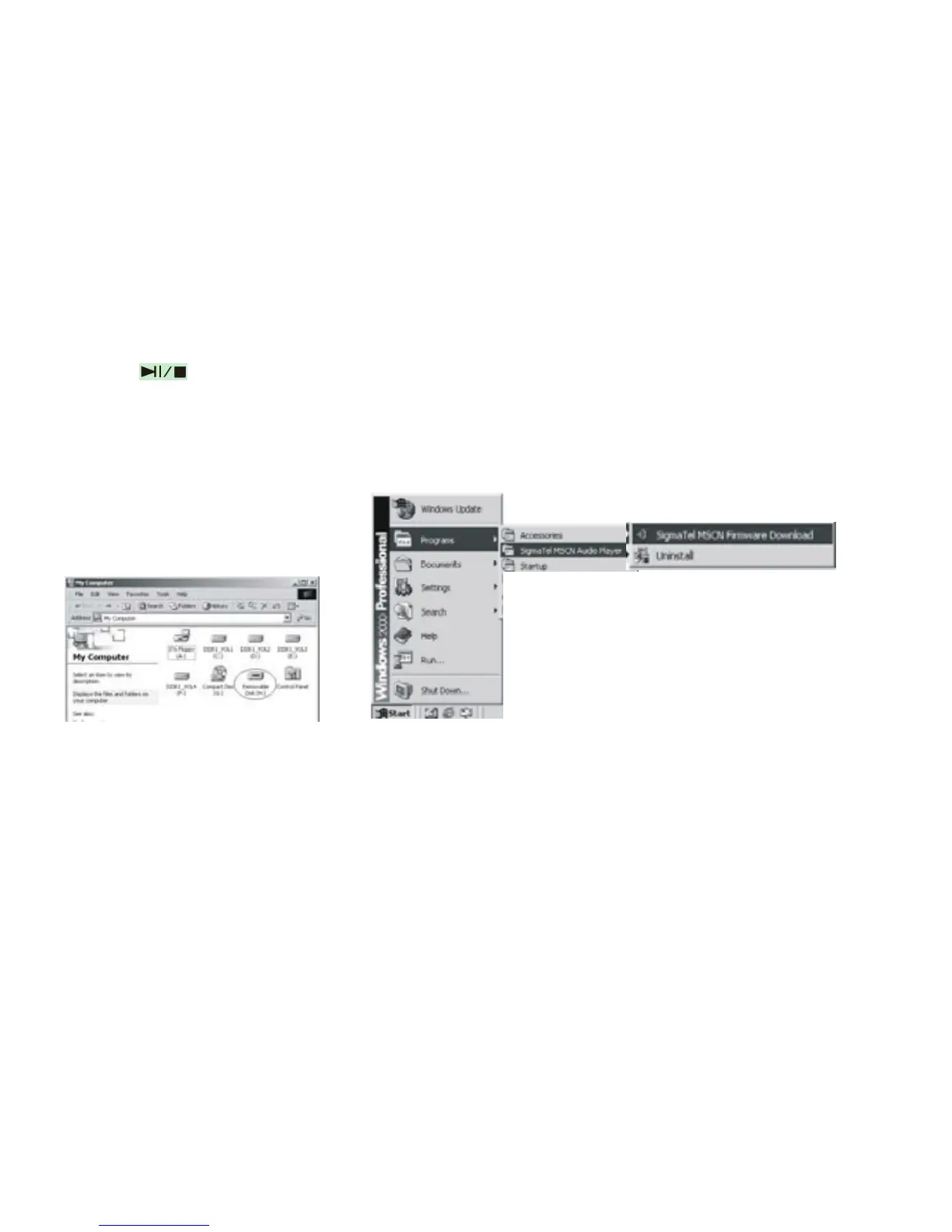
B. Press , or MP3 has already been in ON status, then a Removable Disk icon will
appear in “My Computer”, see picture a:
C. Steps: Start>Program>SigmaTel MSCN Audio Player>SigmaTel MSCN Firmware
Download, see the following picture b.
a b
Then a window will pop out as picture c.
After the above windows close automatically, the window of upgrading software will
pop out as picture d.



 To Next Page