23
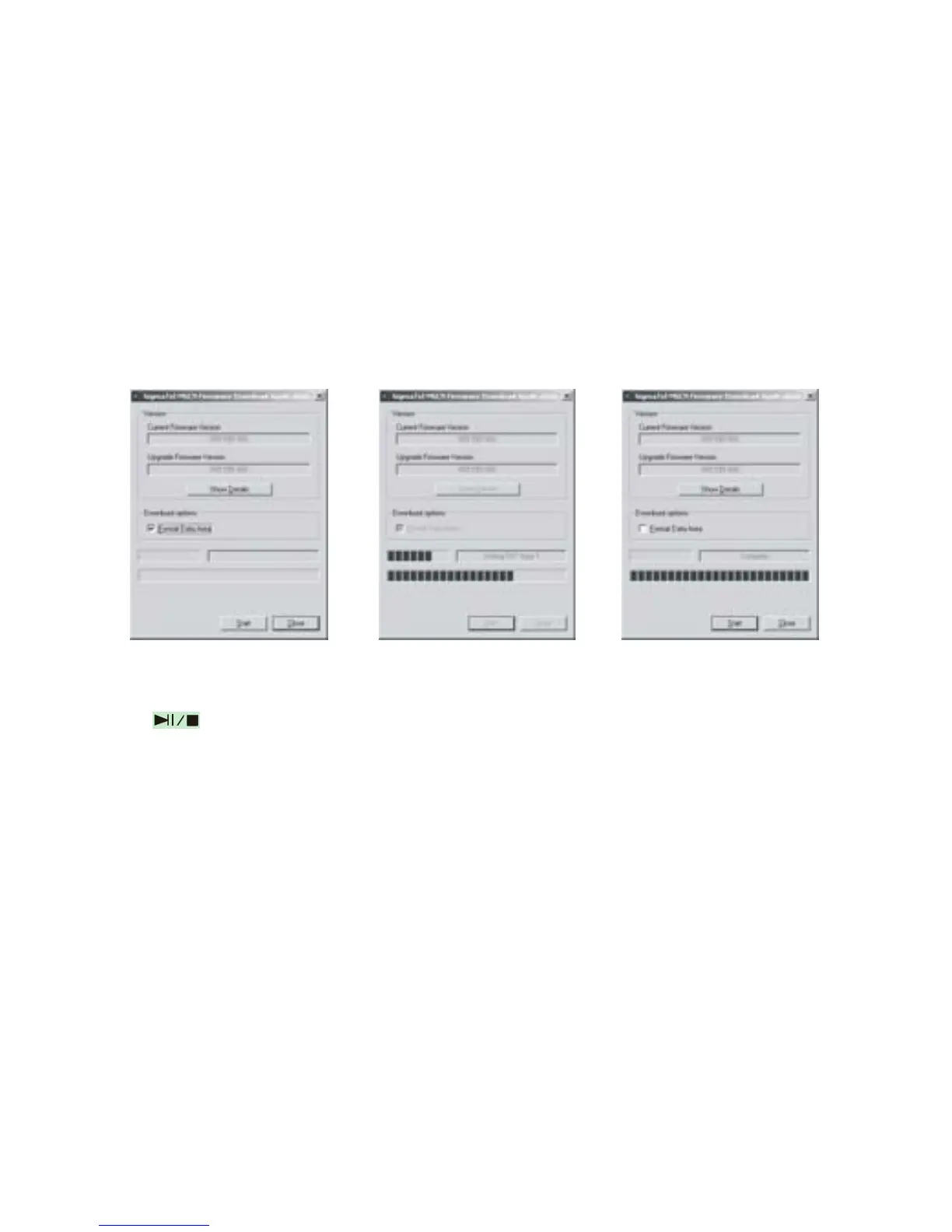
D. Click “Start” button and start upgrading software, see as follows:
E. After upgrading, please click “Close” button.
5) Format the MP3 Player
A. Press
after connecting the player to the computer.
B. Click “Removable Disk” with right button of the mouse, and choose "Format" from
the menu, see the left picture:
C. That the format window will pop out, please see the above picture:



 To Next Page