3
Problem Solution
The WI-FI net is not detected check correct assembly (from product manual)
The product it is non correctly controlled
Check the LED on the module if it is steady ON the module is not communicating correctly
with the product on which it is mounted.
In normal conditions the led ashes 1/2 times every second according to the network
conguration
x1
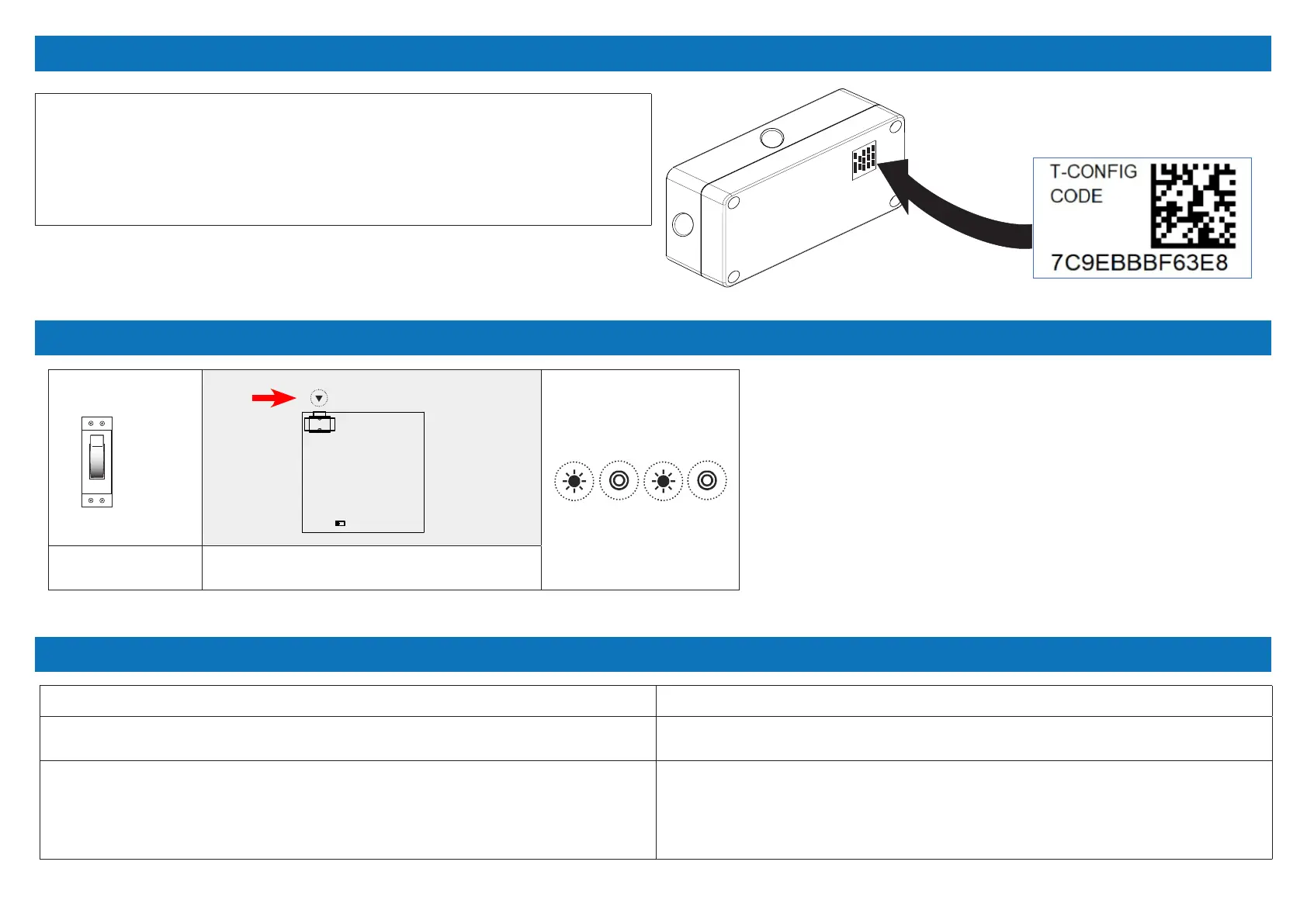
Within the power ON... Press 1 time the P button on the WI-FI board and
keep it pressed for 5 s.
ON
the LED ashes fast
Apply this label to the device case. The product label it can be nd in the packaging.
WISE - DIRECT PRODUCT LABEL
RESET OF THE PASSWORD TO FACTORY DEFAULT
TROUBLESHOOTING (WHAT TO DO IF…)
keep it pressed
( 5 s)
LED


 To Next Page
 Loading...