13
mrcool.com
MRCOOL Smart Wi-Fi Mini-Stat automatically selects the
relevant remote control for your MRCOOL Ductless Mini-Split
during the registration process. You can also configure your
AC remote manually.
In case, you need any further assistance, please contact
Support for help at (+1) 425-529-5775 or if you have any
queries, visit our website: mrcool.com/contact
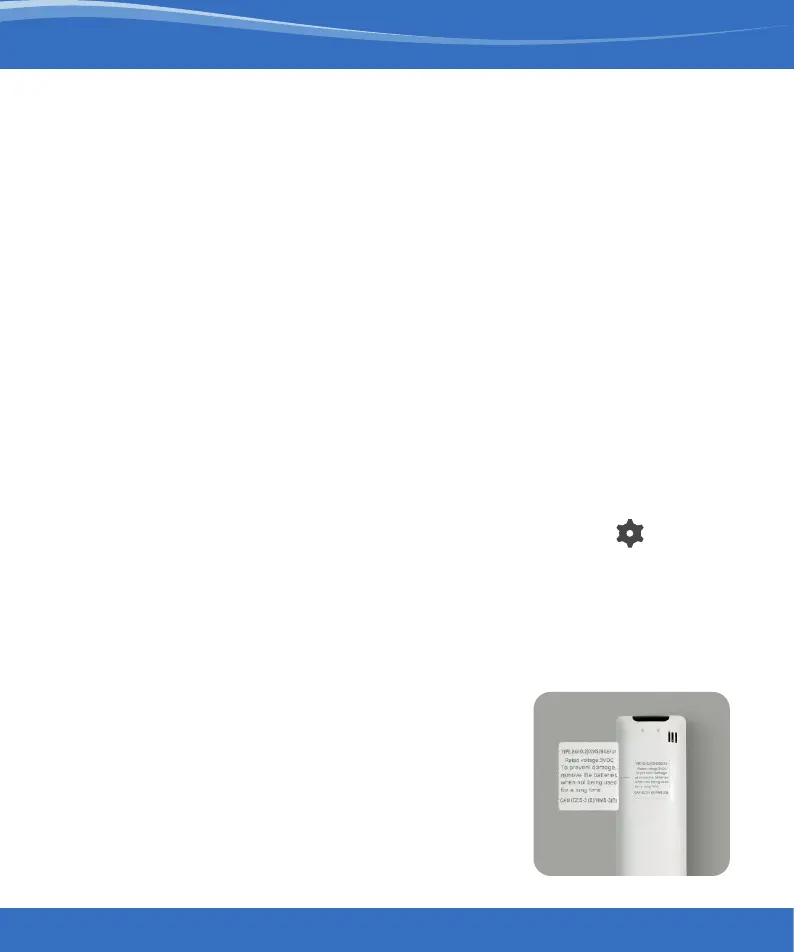
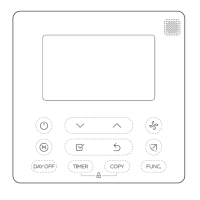
Quick Tip: Remote control model number is
usually found on the back side of the remote
control, as shown in the image.
Configuring the
Right Remote Control for Your
MRCOOL Ductless Mini-Split
For manual selection, follow these steps:
Screen A: Go to settings by tapping the ‘Settings’ icon on
the control screen
Screen B: Select ‘Change Appliance’
Screen C: Select the ‘Remote Model’ from the drop-down list
and tap ‘Done’


 To Next Page