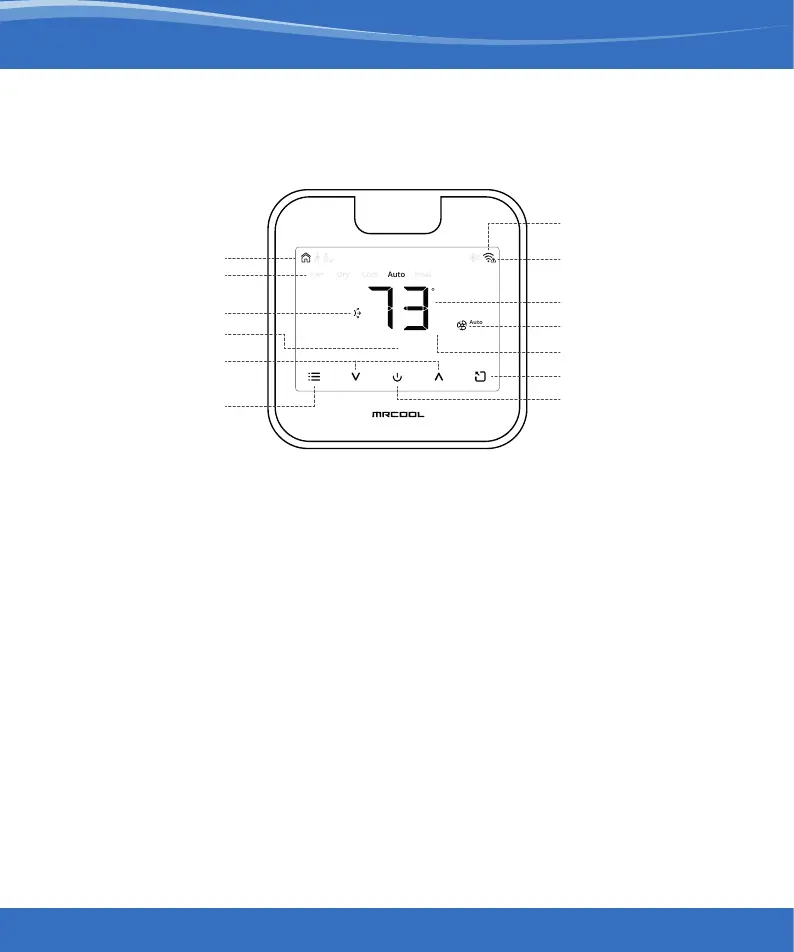
Wi-Fi Indicator
No Internet Access
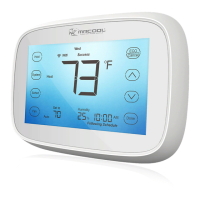
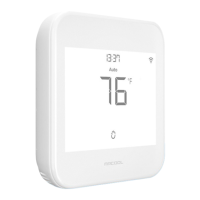
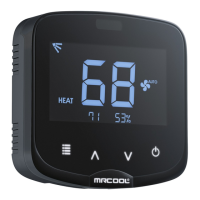
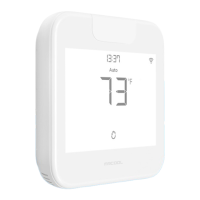
Know Your Smart Wi-Fi Mini-Stat
73
45%
13:37
f
Adjusting the temperature of your AC:
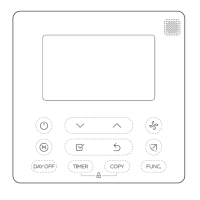
Use the up or down button to set the temperature of your choice.
Changing the mode of your AC:
Touch the menu button once. The AC modes will start blinking. Use the up or down
button to select the mode (e.g. Cool, Heat etc.).
Changing the fan speed:
Touch the menu button twice. The fan speed icon will start blinking. Use the up or
down button to change the fan speed.
Adjusting the swing position:
Touch the menu button thrice. The swing position icon will start blinking. Use the up or
down button to select the swing position.
Changing multiple settings:
You can set mode, swing position & fan speed in one go. Touch the menu button once
and select the mode of your choice. Touch the menu button again and adjust the fan
speed. Touch the menu button again and select the swing position.
Modes
Presets Icons
Swing Position
Fan Speed
Room Temperature
SetPoint Temperature
Room Humidity
Presets
Power On/Off
Temperature
Up & Down
Menu
16
mrcool.com


 To Next Page