Menu
Button
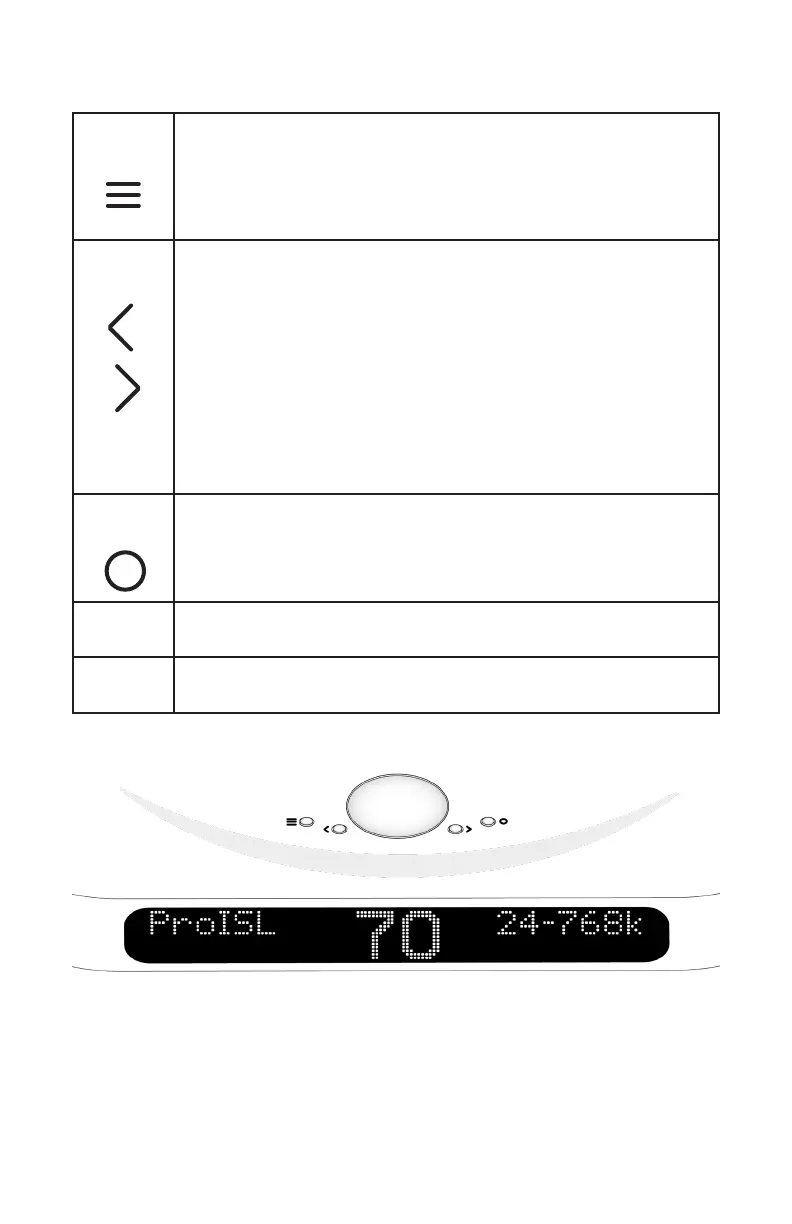
The Menu button is single purpose. It will enter the
setup menu at the top of the menu tree. If in the setup
menu (it doesn’t matter where) this button will exit the
setup menu and return to the normal audio listening
function.
Arrow
Buttons
The right and left arrows switch inputs. The ‘Auto’
mode will be in the list of inputs. The right and left
arrows switch inputs. If ‘Auto’ is selected, the unit will
automatically switch inputs based on priority (Input
slot B is higher than Input slot A). When a source
with a higher priority becomes active, the unit will
automatically switch to the new higher priority input.
Toggling through the inputs manually will defeat any
auto switching. When in the setup menu, the arrows
move right and left through the menu structure.
Circle
Button
The circle button is used for muting your DACs audio
output. While in the menu, this button can also be used
as an enter command when in the menu.
Volume
Knob
This knob adjusts the volume between 0 and 106.
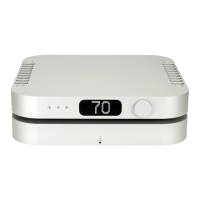
Display The display shows the Input, bit-depth, sample rate, or
volume.
DAC User Interface



 To Next Page