3-11
Getting Started
ECO Settings
On a notebook, you can disable devices to decrease electricity consuming. This model can be set to
record the devices to disable, and then you can enter the Turbo Battery mode for decreasing
electricity consuming and extending the battery duration.
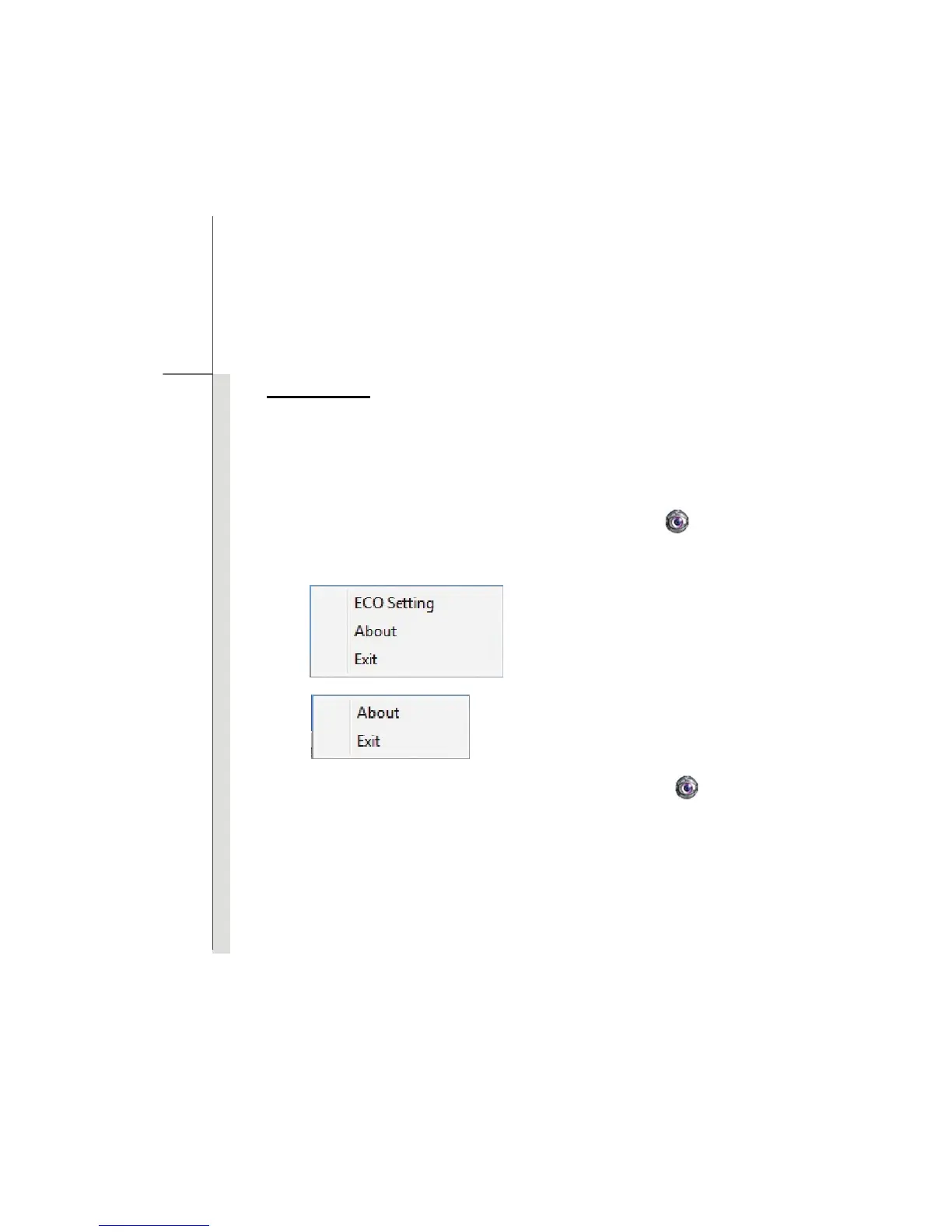
As the SCM program is installed, right click on the SCM icon
on the toolbar might bring
different pop-up windows depending on the ECO function is enabled or disabled:
1.
2.
Set the notebook to ECO Off mode and right click on the SCM icon
. Click on “ECO Setting” on
the menu, and then you will see the pop-up window as the right-side figure:
ECO function is in ECO Off mode.
ECO function is activated.


 To Next Page