20
PC2PC Bluetooth
Devices….” Select this option to search for devices that
potentially provide the desired service, select a device from
the list, and then click Connect.
3. Create A Connection Using The Bluetooth Setup Wizard
From the Folders pane of Windows Explorer, right-click
My Bluetooth Places and select Bluetooth Setup Wizard
or
In Windows Explorer, with My Bluetooth Places selected,
from the Bluetooth menu, select Bluetooth Setup Wiz-
ard
or
From the Windows system tray: right-click the Bluetooth
icon and select Bluetooth Setup Wizard.
Follow the wizard’s on-screen instructions.
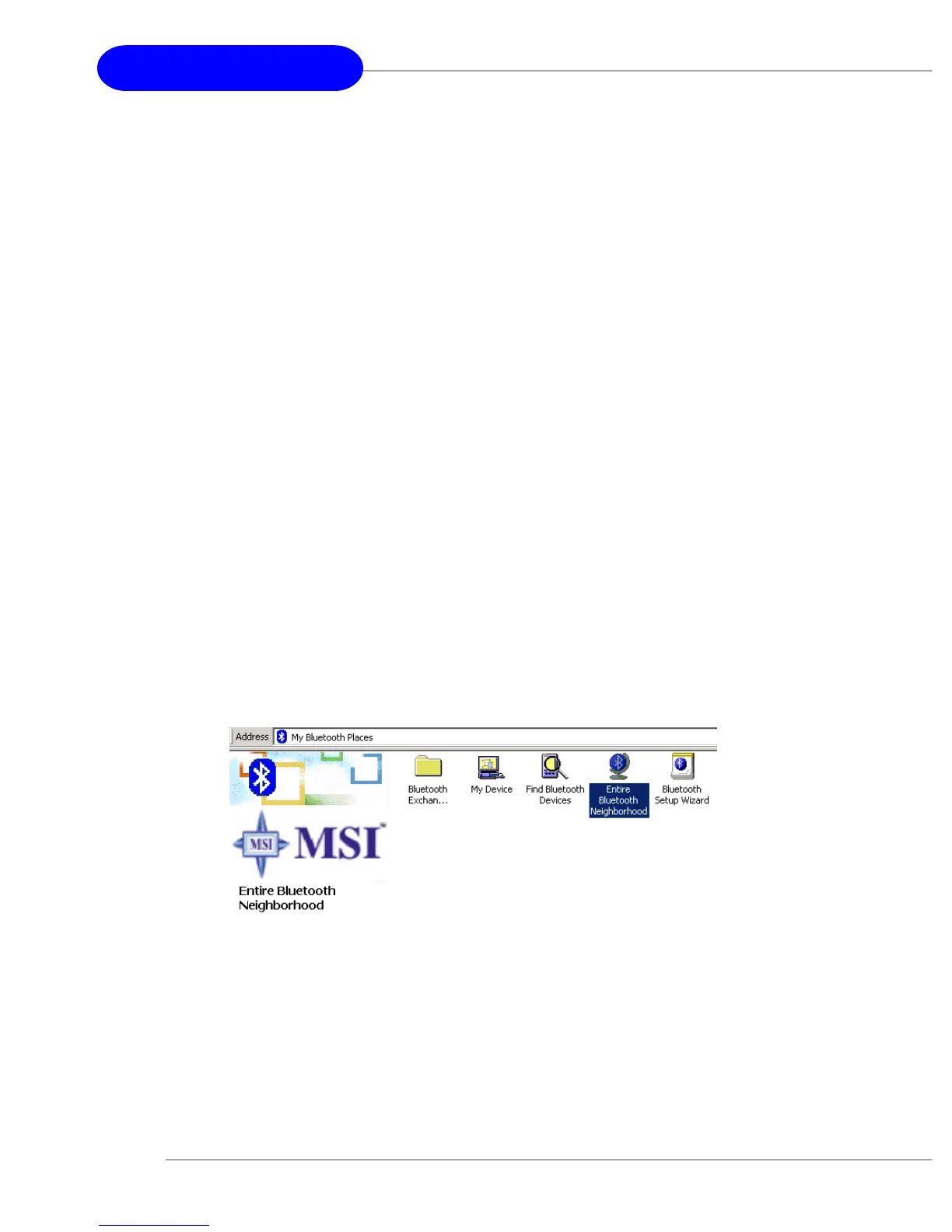
4. Create A Connection From Entire Bluetooth Neighborhood
From Windows Explorer:
In the Folders pane, select Entire Bluetooth
Neighborhood, right-click a device name and select “Con-
nect …” the desired service.
or
In the Folders pane, expand Entire Bluetooth


 To Next Page