36
PC2PC Bluetooth
Close a Dial-up Networking connection
If the connection was established via the Bluetooth
icon in the Windows system tray; click the Bluetooth
icon, select Quick Connect, Dial-up Networking and
then select the device that is providing the service
(active connections have a checkmark in front of
them).
or
No matter how the connection was created, In My
Bluetooth Places, right-click the service name and
select Disconnect.
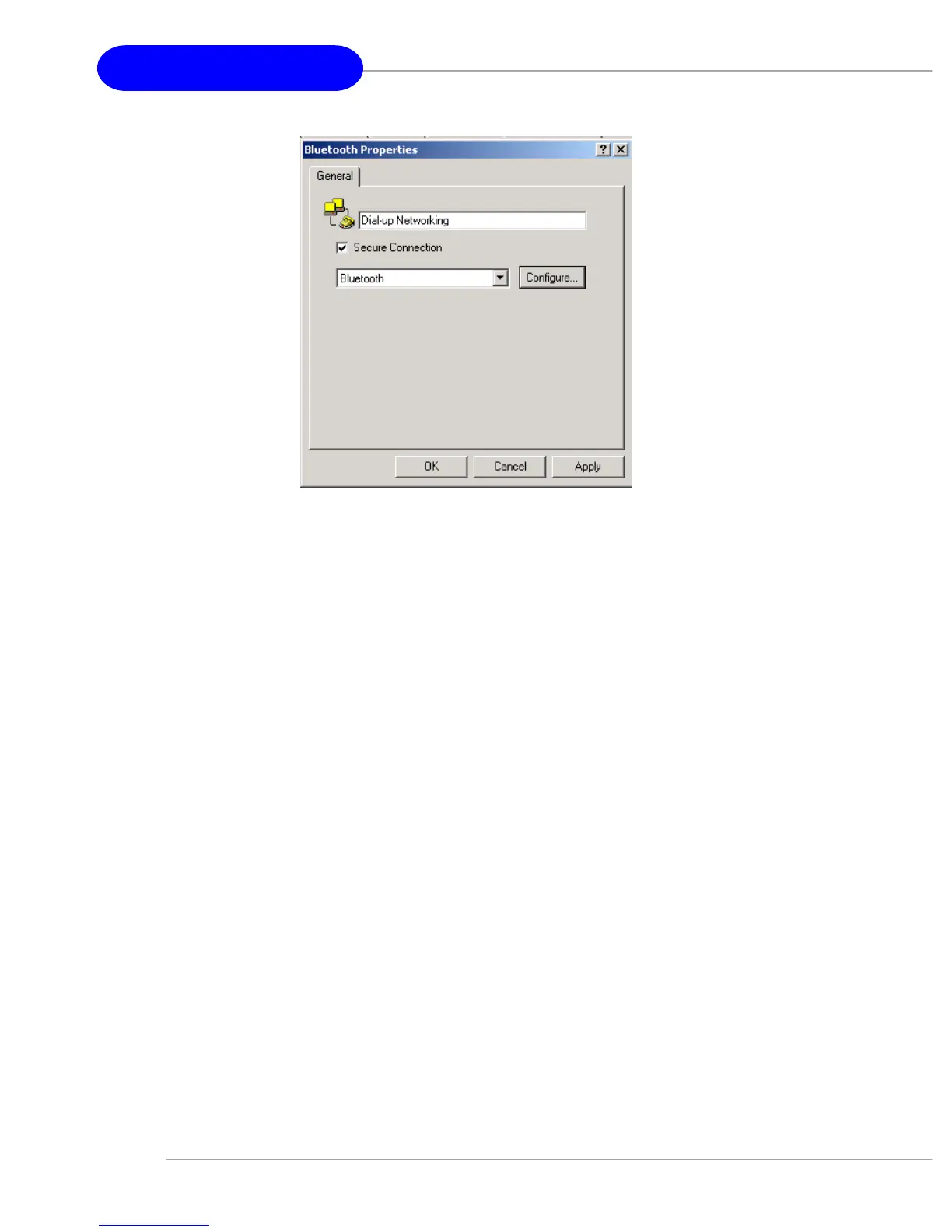
Configure
The Bluetooth Configuration Panel > Client Applications >
Dial-up Networking > General tab provides options to
configure:
The application name—to change it, highlight the
existing name and enter the new name.
Enable or disable secure connection. To enable secure
connection, place a checkmark in the box.


 To Next Page