User’s Guide
39
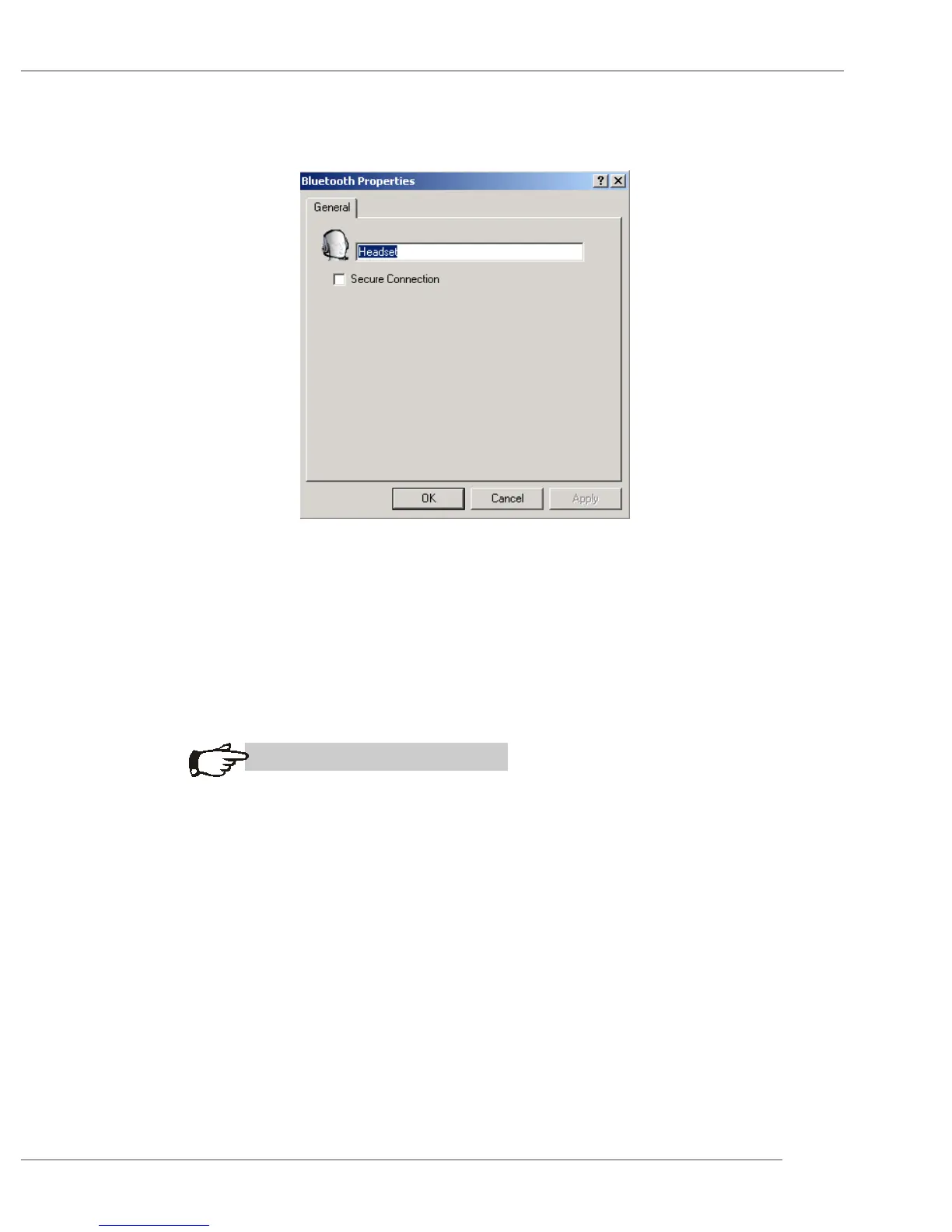
Create a Headset connection
Establish a connection using one of these techniques:
Windows system tray, Bluetooth icon
From My Bluetooth Places
Using the Bluetooth Setup Wizard
MSI Reminds You...
Most Bluetooth headsets “ring” when a connection is
attempted; answer the ring to complete the connection
and begin using the headset as the audio input/output
device for this computer.
Close a Headset connection
If the connection was established via the Bluetooth
icon in the Windows system tray; click the Bluetooth
icon, select Quick Connect, Headset and then select
the device that is providing the service (active con-
nections have a checkmark in front of them).


 To Next Page