User’s Guide
41
this computer.
You can also drag-and-drop files or folders from this com-
puter to the Public Folder (and its sub-folders) of the remote
device.
Other file operations
Right-click a file or folder in the remote device’s Public
Folder for a context sensitive menu. All potential menu
options may not be available at all times.
Potential menu options include:
Open—opens the selected file on this computer, us-
ing the default application for this type of file.
Print—sends the selected file to this computer’s de-
fault printer.
Send To
3 ½ floppy (A)—the 3 ½ inch floppy drive on this
computer
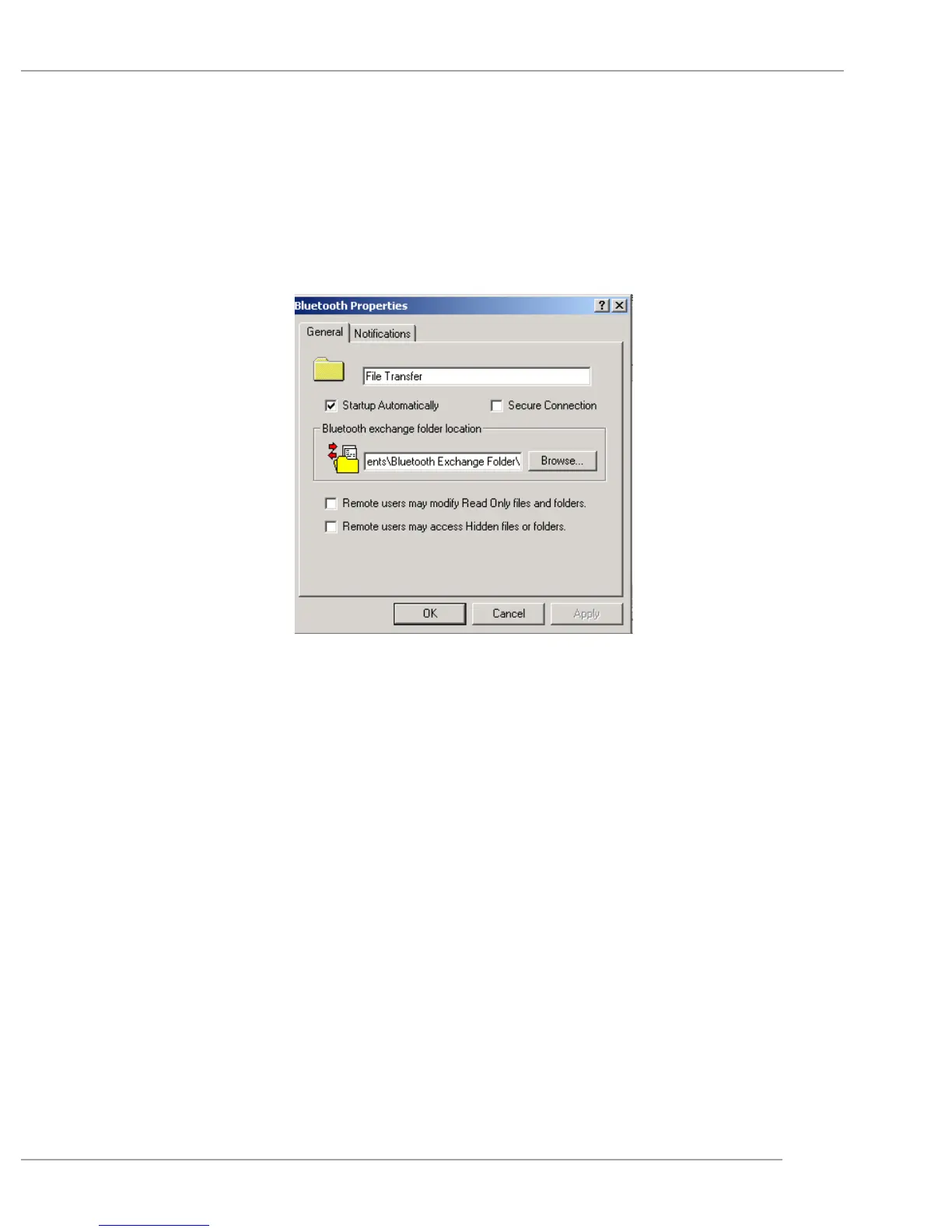
Bluetooth Exchange Folder—the Bluetooth Exchange


 To Next Page