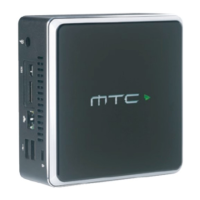
Getting connected
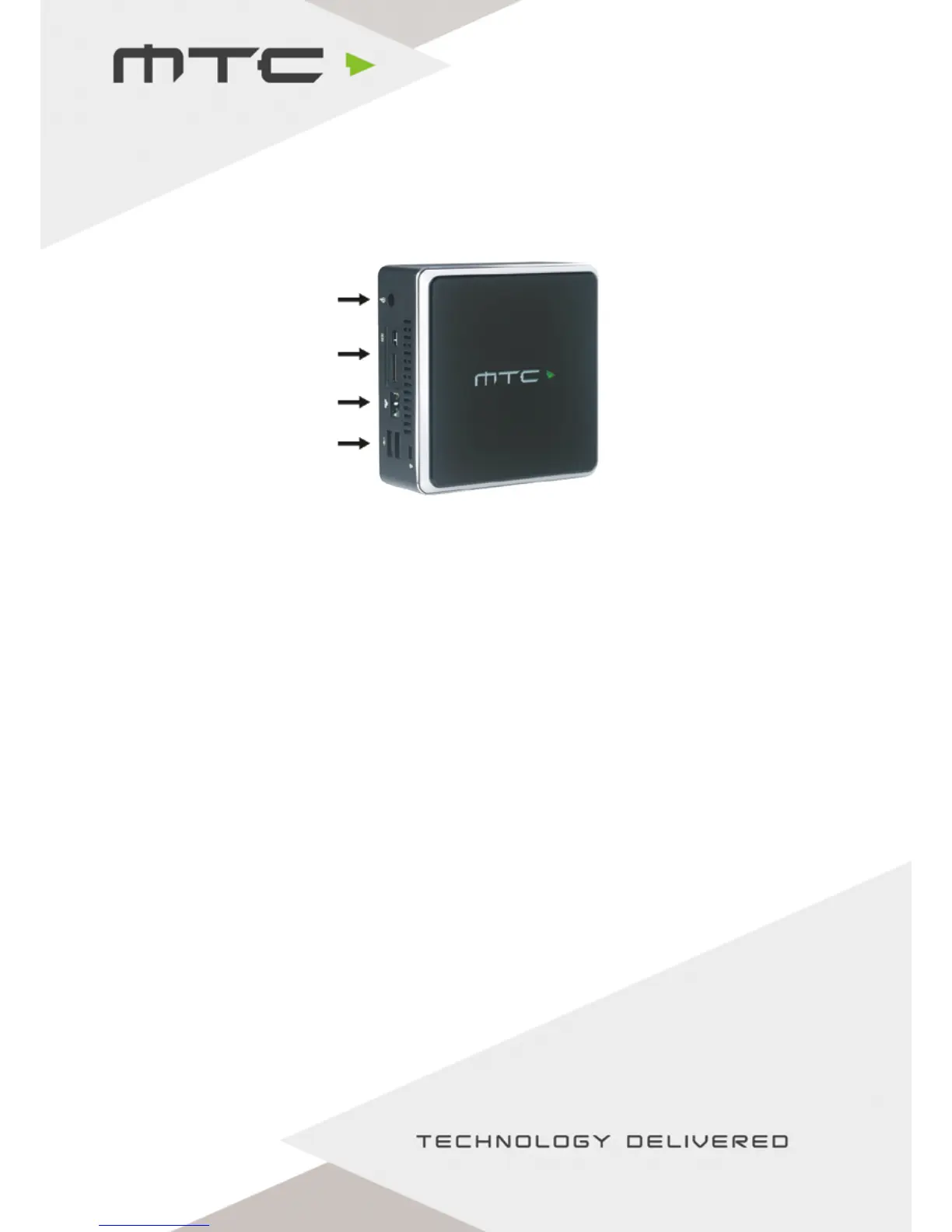
1. Connect the power cable.
2. Connect the display to either the HDMI or mini-DisplayPort connection.
3. Connect to a network via Ethernet or using Wi-Fi under Wireless Access.
4. If using a touch display, connect the USB touch cable from the display to the MTC-5000 unit. Or,
connect a mouse for a standard display.
Network Options:
(i) Connect MTC-5000 to a wired network with the Access Point enabled.
(ii) Connect MTC-5000 to a wired network with the Access Point disabled.
(iii) Connect MTC-5000 to a wireless network.
(iv) Connect MTC-5000 to network 1 via Ethernet and simultaneously to network 2 via Wi-Fi.
(v) Run MTC-5000 without internet/local network and the Access point enabled.
Turning on the MTC-5000 unit
To power on, press the MTC-5000 logo gently on the top of the box for two seconds. Once switched
on, the light along the top of the unit will illuminate.
1
2
3
4
Quick start guide
www.mtc-technologies.com info@mtc-technologies.com


 To Next Page
 Loading...