HG5 is the indicator of switching on the upper beam of the road headlights; it lights up
when the upper beam of the road headlights is ON.
Note! The indicators light up and go out synchronously with the changes in the states of
the system sensors.
Indicator control board
The programming board makes it possible to perform the manual programming of
the combined indicator by means of the “Parameter” (Параметр) and “Value” (Значение)
buttons and to modify the mode of display of the parameters to be shown on the LCD.
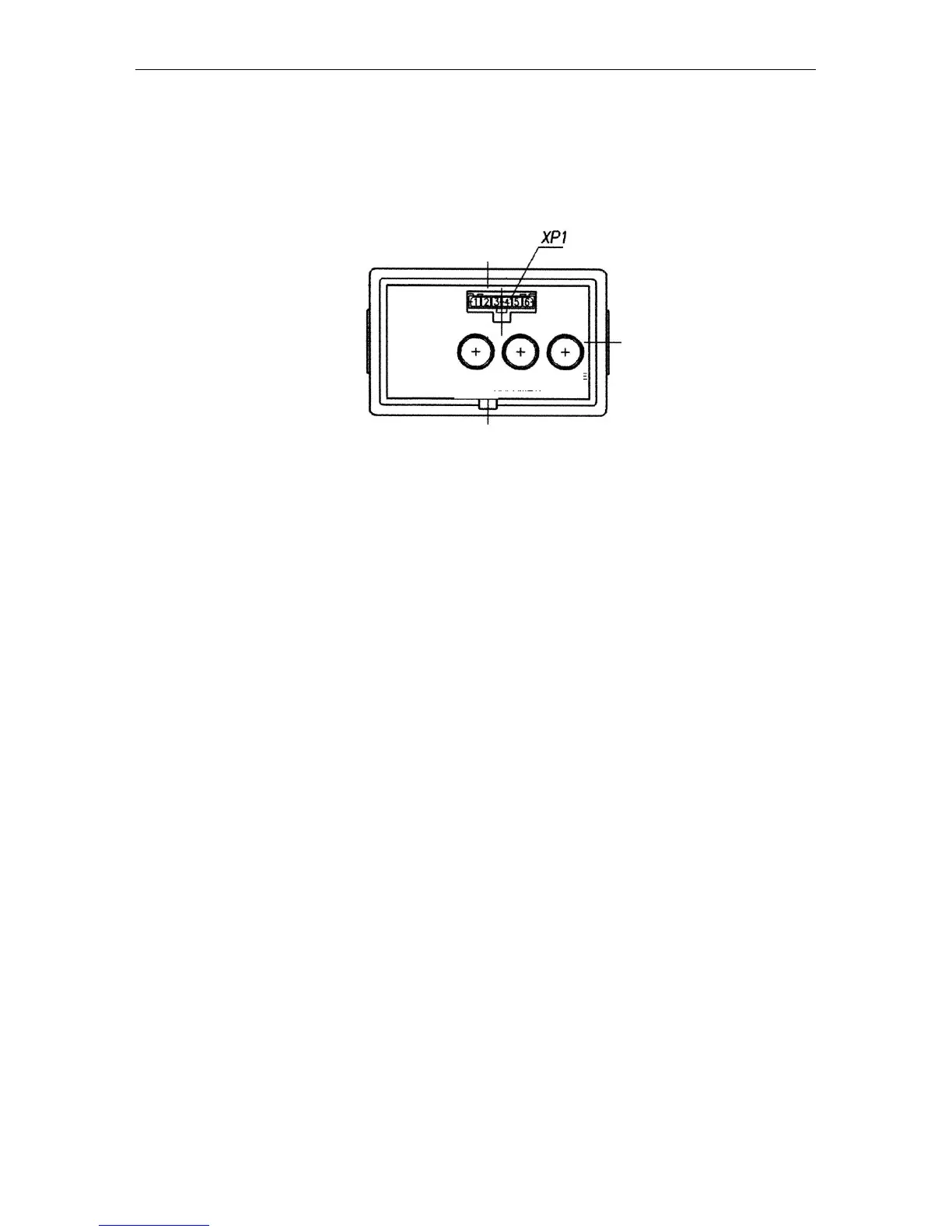
The diagnostic connector ХР1 located on the front panel of the control board
makes it possible to perform the automatic programming (reprogramming) of the CI by
means of a special instrument (if provided). Should such an instrument be unavailable,
the programming shall be performed by means of the above buttons.
1.10. CI programming procedure
1. On selecting the fixed value of the programming parameter:
1.1. On pressing the “Parameter” (Параметр) button for the first time, the LCD is
switched to the mode of viewing the parameter to be programmed and its numerical val-
ue. On pressing this button repeatedly, the parameters are switched over cyclically.
1.2. On pressing successively the “Parameter” (Параметр) button, the numerical value of
the set parameter to be programmed changes.
1.3. The mode is exited automatically if neither “Parameter” (Параметр) nor “Value”
(Значение) button has been pressed within 7.0 sec.
On exiting the mode, the last values of the parameters selected by the “Value”
(Значение) button are saved.
2. When entering the unfixed value of the programming parameter:
2.1. Select the parameter, the values of which shall be set, by means of the “Parameter”
(Параметр) button;
2.2. Press twice the “Mode” (Режим) button; the least digit of the numerical value starts
blinking;
2.3. To change the value of the blinking digit of the parameter, use the “Value”
(Значение) button;
2.4. To go to the more significant digit, press the “Parameter” (Параметр) button;
2.5. To exit the mode of programming an unfixed value of any parameter, press twice the
“Mode” (Режим) button;
2.6. On exiting the above mode, the digits of the entered value of the parameter become
lit steadily;
2.7. The newly entered value is set the last in the list of the parameter values allowed to
be programmed;



 To Next Page