176
www.multilaser.com.br
4.11.3. Target
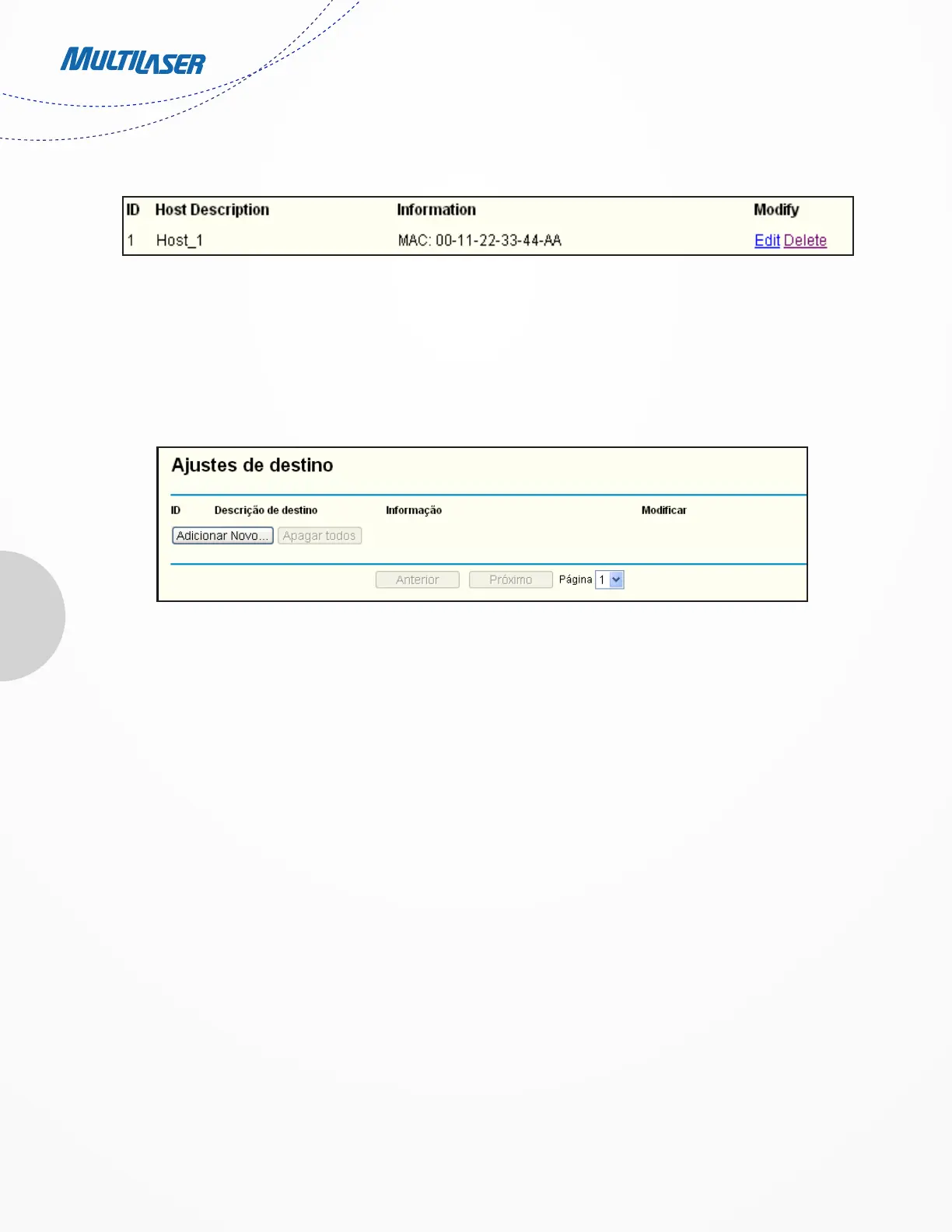
Choose menu “Access Control > Target”, you can view and set a Target list in the screen as shown in Figure 4-52. The target list is
necessary for the Access Control Rule.
• Target Description - Here displays the description about the target and this description is unique.
• Information - The target can be an IP address, a port, or a domain name.
• Modify - To modify or delete an existing entry.
To add a new entry, please follow the steps below.
1. Click the Add New… button.
2. In Mode field, select IP Address or Domain Name.
• In Mode field, select IP Address or Domain Name.
1) In Target Description field, create a unique description for the target (e.g. Target_1).
2) In IP Address field, enter the IP address of the target.
3) Select a common service from Common Service Port drop-down list, so that the Target Port will be automatically
filled. If the Common Service Port drop-down list don’t have the service you want, specify the Target Port manually.
4) In Protocol field, select TCP, UDP, ICMP or ALL.
• If you select Domain Name, the screen shown is Figure 4 54.
Figure 4-52 Target Settings


 To Next Page
 Loading...