192
www.multilaser.com.br
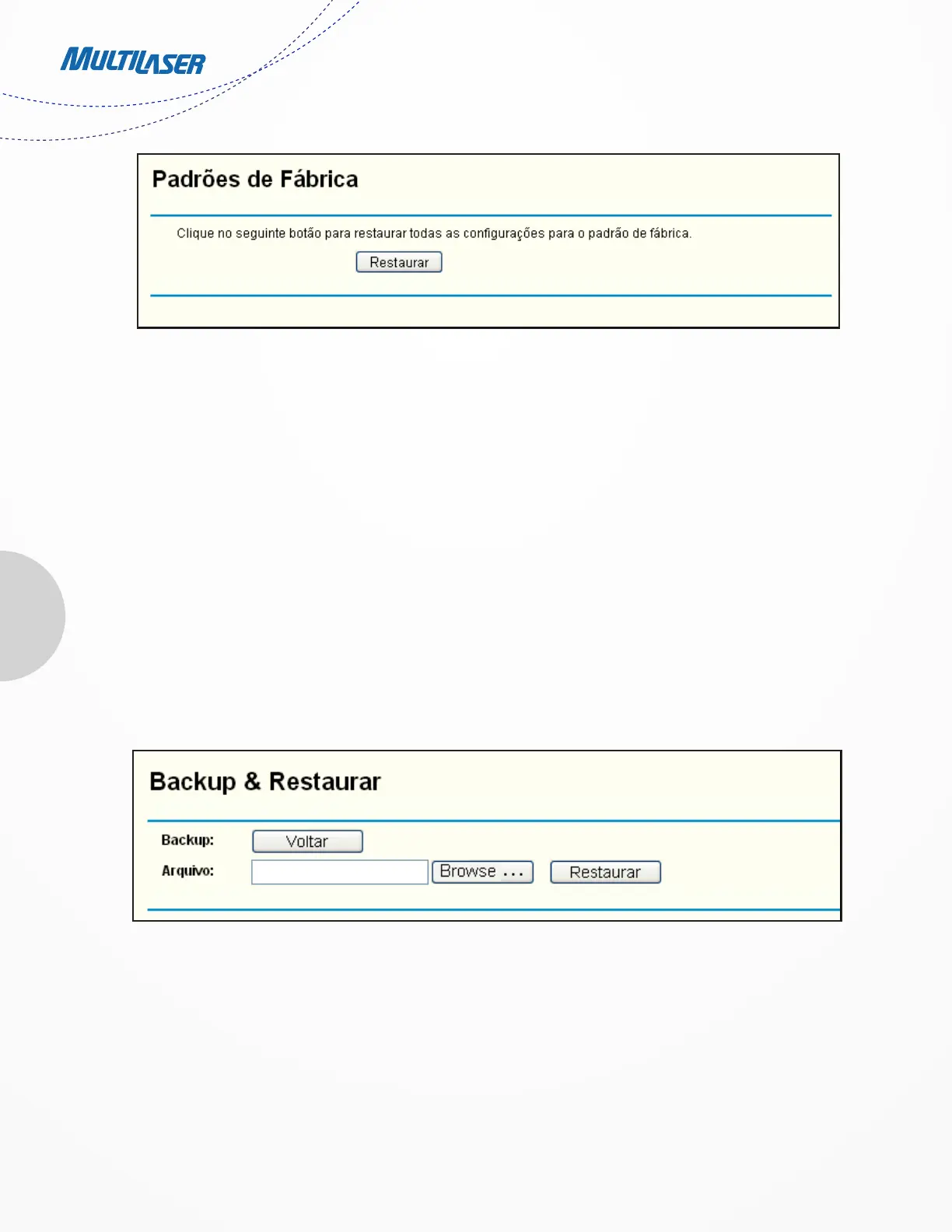
Figure 4-75 Restore Factory Default
Click t h e
Restore button to reset all configuration settings to their default values.
• The default User Name: admin
• The default Password: admin
• The default IP Address: 192.168.1.1
• The default Subnet Mask: 255.255.255.0
Note:
Any settings you have saved will be lost when the default settings are restored.
4.16.5. Backup & Restore
Choose menu “System Tools > Backup & Restore”, you can save the current configuration of the Router as a backup file and restore the
configuration via a backup file as shown in Figure 4 76.
• Click the Backup button to save all configuration settings as a backup file in your local computer.
• To upgrade the Router’s configuration, follow these instructions.
• Click the Browse… button to locate the update file for the Router, or enter the exact path to the Setting file in the text box.
Figure 4-76 Backup & Restore Configuration


 To Next Page
 Loading...