Mounting
User manual 57120_hdb_en_12 26 / 70
5.6 Replacing an electronic module
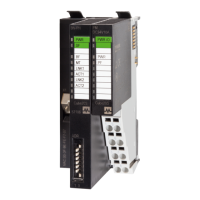
Expansion modules Each expansion module consists of a terminal and an electronic module.
1 Terminal module
2 Electronic module
Disassembly
The electronic module has a locking lever at the bottom.
1 | Power-off your system!
2 | Press the locking lever upwards for disassembly.
3 | To remove the electronic module, pull it out towards the front.
The electronic module has been removed.
Installation
The electronic module has a locking lever at the bottom.
Slide the electronic module with the help of the guide strip into the terminal
module.
The electronic module engages audibly at the bottom.
Now you can bring your system back into operation.
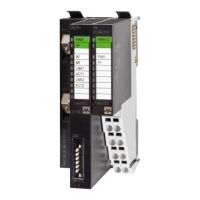
Fig. 5-8: Disassembling and installing the electronic module


 To Next Page
 Loading...