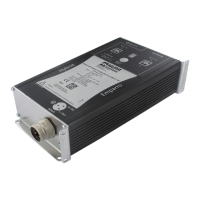
MASI65-M12 User's manual
24 V 1.1
2.7.2 Configuration via the AS-Interface master
• Switch the master into configuration mode (ÄMaster user's manual).
‚ Connect the slave to the AS-Interface system cable.
ƒ Change the slave address via the master (ÄMaster user's manual).
„ Repeat steps ‚ and ƒ until all the slaves are connected and addressed.
… Check if all the slaves have been detected and stored into the LDS list (List of Detected Slaves)
(ÄMaster user's manual).
† Configure the system (ÄMaster user's manual).
‡ Switch into protected configuration mode (ÄMaster user's manual).
ˆ Check the master displays. The display of configuration errors must not be enabled.
(ÄMaster user's manual).



 To Next Page
 Loading...