Home
Musictech
Recording Equipment
DualLINK
Page 34
Musictech DualLINK - Page 34
46 pages
Manual
Save Page as PDF
To Next Page
To Next Page
To Previous Page
To Previous Page
Loading...
KǁŶĞƌƐ
DĂŶƵĂů
!!!!!!!!!!!!
!!!!
!!!!!!!!!!!!
!!!!
!"#$%&'())*&!&)+,-.
/0
!
!!!!!!!!!!!!!!
!!!!!!!!
!
!!!!!!!
"#$%
!&%'
!
!
!!
()*%!
5-
!+,!
-.
!
!
H70!
I)3!
I
>7
7@#!
E
>#9>#:!
97!
@)$#
!
7:
!
#]
,9!
E,9>709!
@)$,3*\!
,3!
)3C!
I)@
#\!
9>
#!
=7117E,3
*!@I:##3!)<<#):@
g!!
!
!
(:#@@,3*!HZ6\!
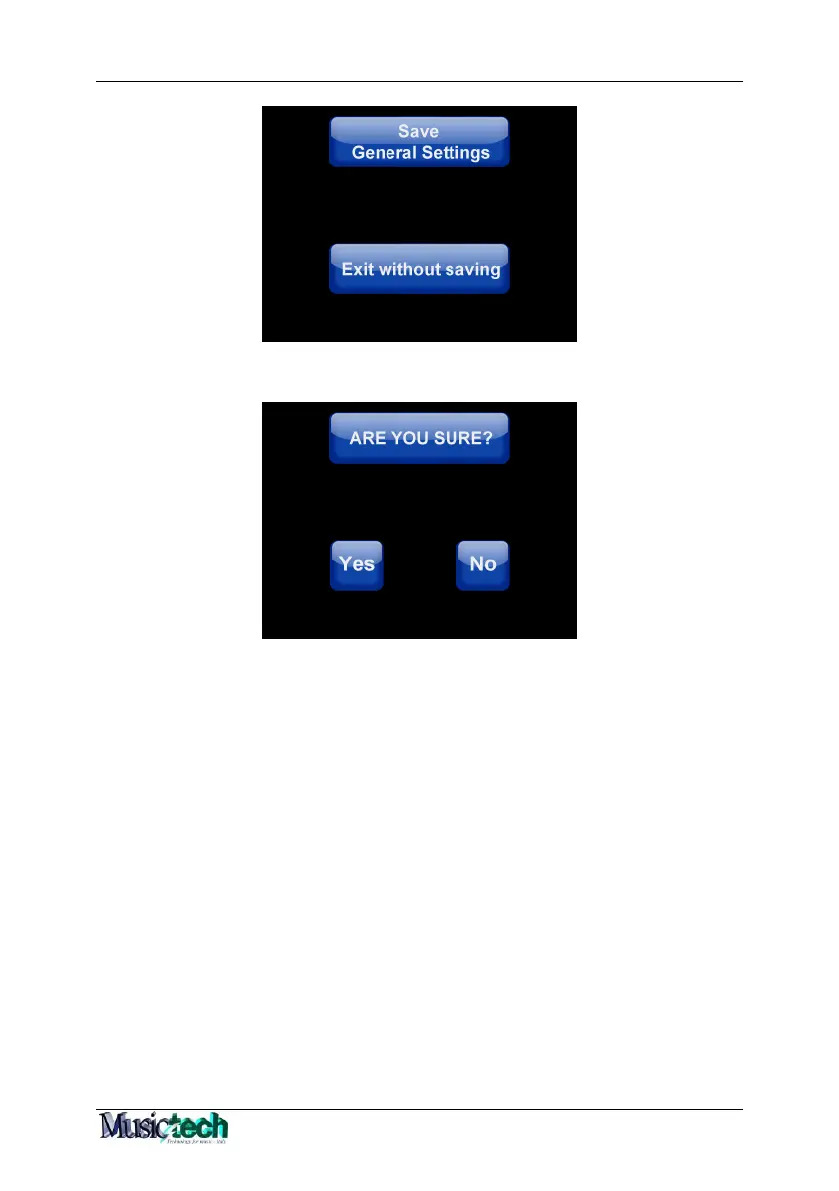
E,11!I73=,:A!9>#!I>7,I#!A)+#\!73!9>#!I739:):C\!<:#@@,3*!DR!E,11
!
@>7E!9>#!Z/?S!@I:##3
!7=!9>#!W#3#:)1!6#99,3*@%
!
!
!
33
35
Table of Contents
Main Page
Index
1
Table of Contents
2
Digisound Module
4
Connections
5
Start up of the Instrument
6
PLAY Section
9
Numeric Keyboard Panel
9
Performances
10
Right
12
Chord
14
Bass
14
Performance Sequence
15
MIDI
16
AT (after Touch)
17
Dynamic
17
XP (Expression)
17
Octave
19
Transpose -‐ Pedal
20
Song USB a
22
Song USB B
24
Global
26
Menu
27
Volume
27
Left off and Right off
28
EDIT Section
29
General Settings
29
MIDI Vol.
30
Ft Sw1, 2, 3, 4
30
Pedal & Foot Switches
30
USB Device
31
Chord Method
32
Single
32
Multiple
32
Touch Screen Display
33
Info
33
Edit Performances
35
Bank CC0 CC32
36
Preset
36
Vol. (Volume)
36
Oct. (Octave)
36
MIDI B
37
Velhi (Velocity Hi)
37
Vello (Velocity Lo)
37
Split
38
Save
38
Edit Global
42
P (Performance)
42
PS (Performance Sequence)
42
Prg
43
Set
43
Save & Load Resets
44
Resets
45
Reset Performances
45
General Settings Reset
46
Reset Totale Dello Strumento
46


 To Next Page