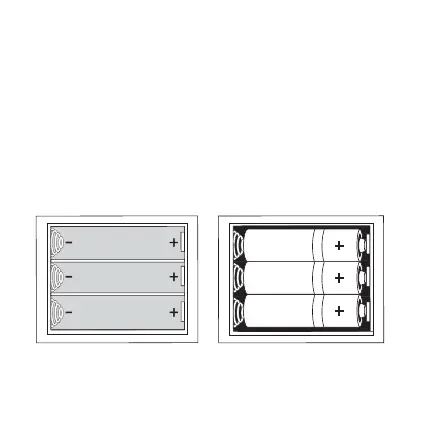
How to insert and remove batteries
Button, switch and port functions
NOTE: Button functions may vary per game.
Power switch - Turns the device on and o.
Volume buttons - To raise and lower the volume
RESET button - To return to the main menu of games.
START button - To start and pause the game.
Joystick - To select game from main menu and move during gameplay.
2
IMPORTANT: Use high quality alkaline batteries for longer playing times.



 To Next Page