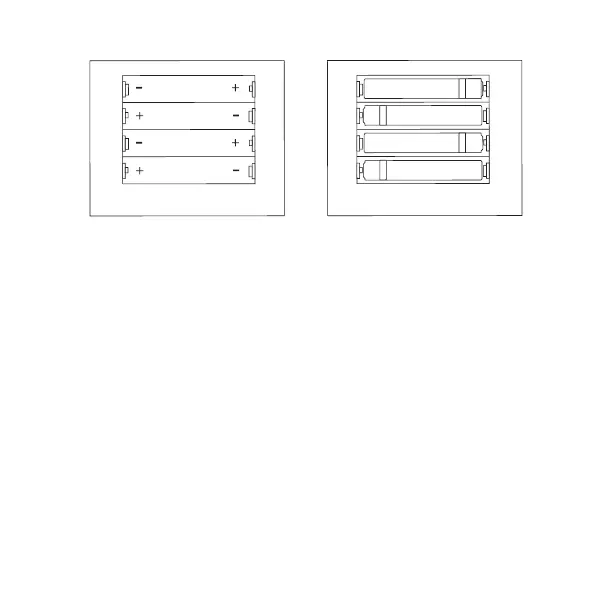
How to insert and remove batteries
IMPORTANT: Use high quality alkaline batteries for longer playing times.
SPACE INVADERS™
Stop the Invasion! Jump in your spaceship and fend o the waves of attacking enemy invaders before they land.
Avoid enemy fire by moving your laser cannon side to side and hiding behind bunkers.
Button and port functions
On/o button - Turns the device on and o.
Coin button - Add credits to play game.
RESET button - To return to the main menu.
1 and 2 PLAYER(S) button - Play with 1 or 2 players.
CONTROL stick - To move during game play.
FIRE BUTTON - To shoot.
Volume buttons - To raise and lower the volume.
Headphone jack - To listen with 3.5mm headphones (not included).
Power port (5V IN) - To power the Micro Player™ with a Micro-USB cable (not included).
2



 To Next Page