11
DC H-B112
ENGLISH
FAQ
?
What do I do if my device is not working properly?
Reset the device and reinstall it. To reset your device, press and hold the
Reset/Bypass button until the LED blinks red.
During installation, ensure that:
• you have an Internet connection on your router
• your router’s Wi-Fi is on
• your mobile device is connected to your home network
• your mydlink Smart DIY hub* is connected to the Internet
Why is my sensor not triggering?
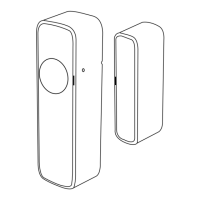
The Smart Door/Window Sensor is designed to sense contact between
the Main Sensor Unit and the Magnetic Trigger. When separated
enough it will be triggered. Please ensure that the alignment notches
are aligned and that the two units are no more than 2 millimeters apart.
How do I replace the battery?
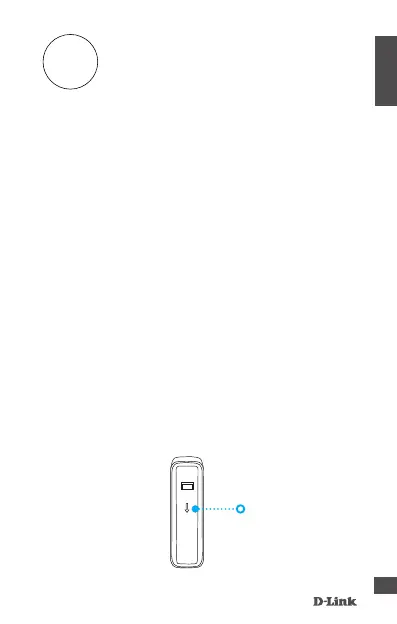
Remove the battery cover of the Main Sensor Unit by sliding down the
cover from the back of the unit to release the latch.
Slide the cover down
* Requires a mydlink Smart DIY hub device.


 To Next Page