TOP KEY
LONG PRESS Power ON / OFF
PRESS 1 X Light up the screen ON /OFF
PRESS 1 X Volume +
NAVIGATE THE TOUCHSCREEN
Tap with one finger to open or select a menu item
Swipe right or left, up or down to navigate through the menus and page content
Tap on the left bottom side of the touch panel to get shortcuts for wallpaper,
customized wallpaper, manage apps and System settings.
BOTTOM KEY
LONG PRESS Display most recently
used apps
PRESS 1 X Exit menu
PRESS 1 X Volume -
i
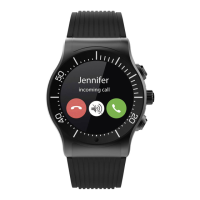
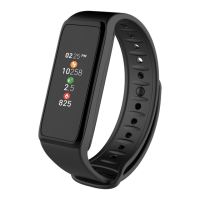
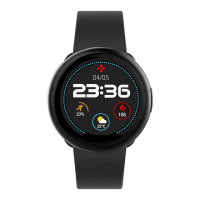
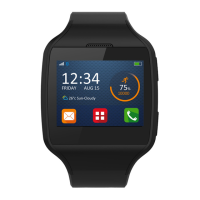
Select your watch face by sliding left or right in standby mode. Tap on the one you
want to save.






 To Next Page