Mylight MC3D01RM User Manual V2
Mylight Systems
0 800 710 226
|
https://www.mylight-systems.com
|
Specifications are subject to change without notice
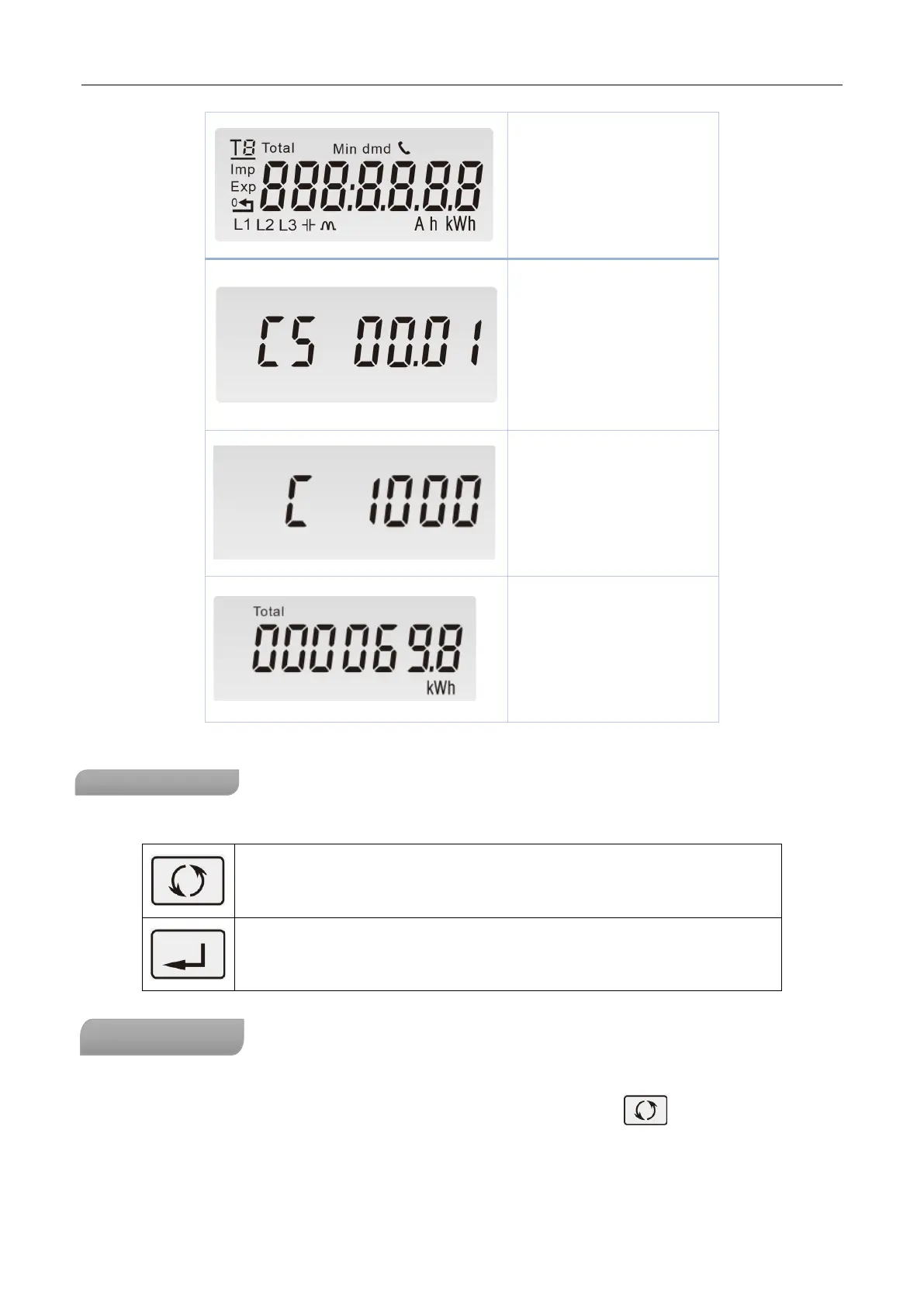
Full S
creen
Software Version
Pu
lse constant
Tot
al active energy(kWh)
Total=Import+ Export
Max read: 999999.9 kWh
Bu
ttons function
There are two buttons on the front panel.
>Scroll the display for data checking.
>Changing option at Set-up mode
>Exit the Set-up mode
>Confirmation
Af
ter initialization and self-checking program, the meter display the measured values. The default page is total
kWh. If the user wants to check other information, please press the scroll button on the front panel.



 To Next Page