EN /
I LED control
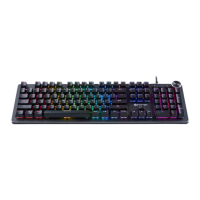
The keys on your NACON® keyboard can be backlit for an enhanced
gaming experience in the dark. You can switch it off completely by pressing
[ ] (5).
You can change the speed of the effect by simultaneously pressing [Fn] + right
or left arrow
You can change the brightness of the effect by simultaneously pressing [Fn] + up
or down arrow
(The brightness and speed of some of the effects cannot be changed.)
The backlight effects can be congured using the software (available on the
www.nacongaming.com website).
I Creating a macro
Using the software (available at www.nacongaming.com) you can create your
proles and macros at will with the macro menu.
Recycling
Do not dispose of this product with the household waste.
Dispose of your old electrical appliance at a suitable
collection centre. Recycling is important and helps protect the
environment by reducing waste. EU and Turkey only.



 To Next Page