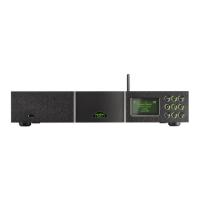
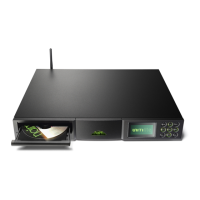
NDS Quick Start Guide English
1 Installing and Connecting
• ThefourtransitscrewslocatedontheundersideoftheNDSmustbecarefullyremoved
beforeuse.DonotinverttheNDStoremovethetransitscrewsbutworkfromtheunderside
bypositioningitattheedgeofatable.ThetransitscrewsmustbereplacediftheNDSisto
bere-packedorshipped.Do not invert the NDS during or following transit screw removal.
• Followingtransitscrewremoval,standtheNDSonanappropriate,levelandstablesurface.
Makesureitisadequatelyventilated.
• TheNDSrequiresanexternalXP5XS,XPSor555PSpowersupplyconnectedtoone(XP5
XS,XPS)orboth(555PS)ofitspowersupplyinputsockets.UseonlytheBurndycableor
cablessuppliedwiththepowersupply.IfanXP5XSorXPSpowersupplyisuseditshould
beconnectedtoNDSPowerSupplyInput1.Ifa555PSpowersupplyisuseditshouldbe
connectedtobothNDSPowerSupplyInputs1and2.Thelinkplugmustremainfittedto
PowerSupplyInput2unlessa555PSpowersupplyisused.Donotswitchontheexternal
powersupplyuntilallrequiredNDSconnectionsaremade.
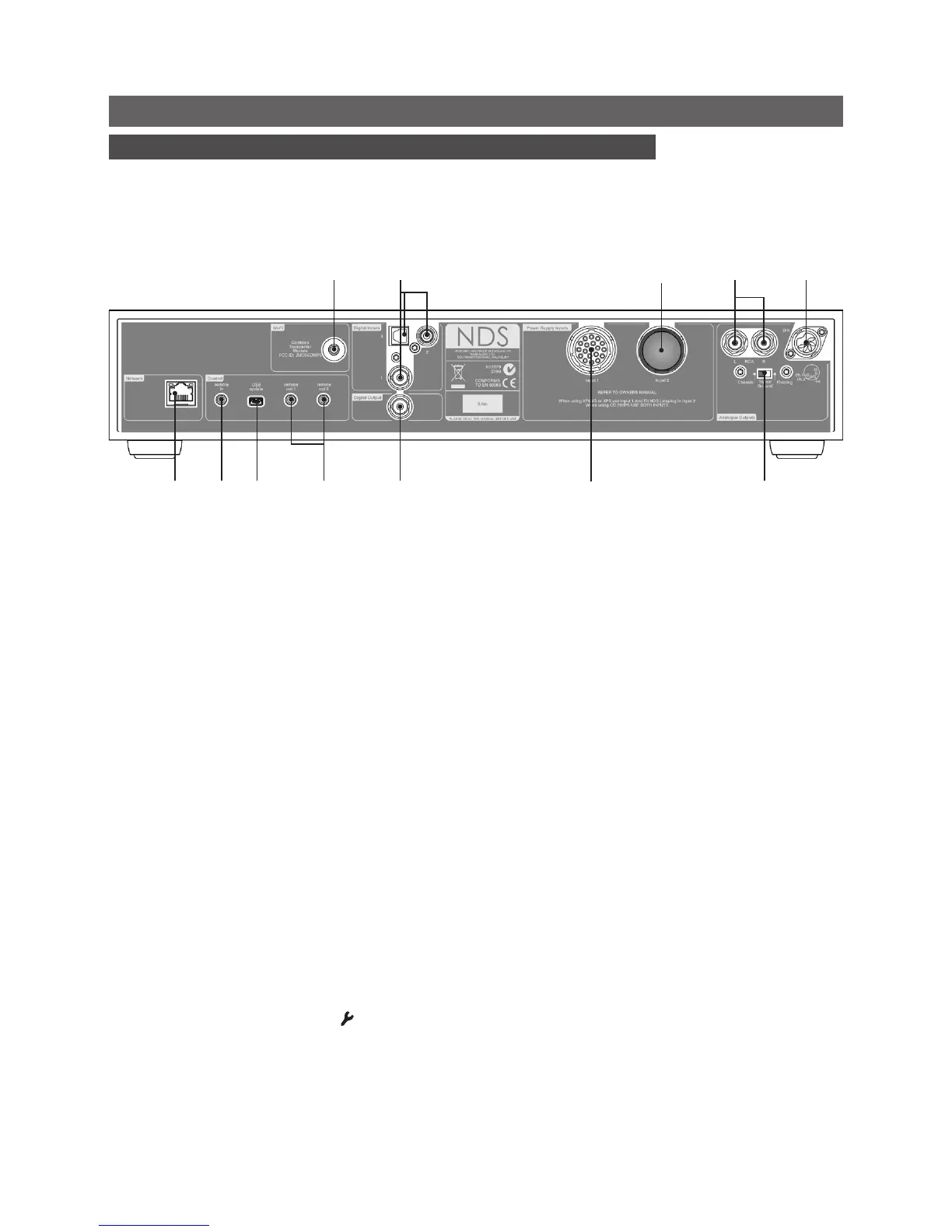
• IdentifytheSignal Ground Switchandselectthe“chassis”optionunlesstheNDSis
connectedinahi-fisystemincorporatinganotherearthedsourcecomponent(allNaimCD
players,forexample),ormains“hum”isaudiblethroughtheloudspeakerswhentheNDSis
switchedon.
• ToplayaudiofromaUPnP™serverorfrominternetradiostations,theNDSnetwork socket
mustbeconnectedtoarouterusinganEthernetcable,oritsWi-Fi Antennamustbefitted.
Internetradioalsorequiresahigh-speedinternetconnection.
• IftheNDSistoplayaudiofilesstoredonaUSBdevice,connectitusinganappropriate
cable,ifnecessary,tothefrontpanelUSBsocket.
• IfanyexternalS/PDIFdigitalaudiosourcesaretobeusedwiththeNDS,connectthem,
usingtheappropriateBNCcoaxial,phonocoaxialoropticalcables,tothedigitalinputs.
• ConnectoneoftheNDSoutputstoanappropriatepreamplifierorexternalDACinput.The
NDSDINoutputisthedefaultactiveanalogueoutput.Toselectanalternativeanalogue
output,pressthehandsetsetupkey( )oncetheNDSisswitchedonandselectAnalogue
Outputs.SelectDigital Outputtoactivatethedigitaloutput.
• NDScontrolcanbelinkedusingSystem Automation tothecontrolofsomeNaim
preamplifiers,CDplayersandtheNaimDAC.SystemAutomationenablesforexample,
preamplifierinputstobeselectedviatheNDS,orforn-Streamtransportfunctionstocontrol
aCDplayer.TotakeadvantageofSystemAutomation,connectoneoftheNDSRemote
Full NDS installation and operational information can be found in the Reference Manual
available on line at www.naimaudio.com
Important: XPS power supplies
with serial numbers below
188015 are not compatible
with the NDS and should not
be used. Contact your local
retailer or distributor for more
information.
network
socket
signalground
switch
digital
output
wirelessnetwork
(Wi-Fi)antenna
socket
powersupply
socket2
(linkplugtted)
powersupply
socket1
USB
upgrade
interface
remote
in
remote
out1&2
digitalinputs
1,2&3
analogue
output
(phono)
analogue
output
(DIN)
Note: NDS System Automation
is switched off by default.
A full description of its use
can be found in the NDS
Reference Manual.


 To Next Page
 Loading...