NAVIN Corporation www.navin.com.tw
Powering Off
Press and hold Power/Mode key for 2~3 seconds while the
miniHomer is on.
Setting Log Interval
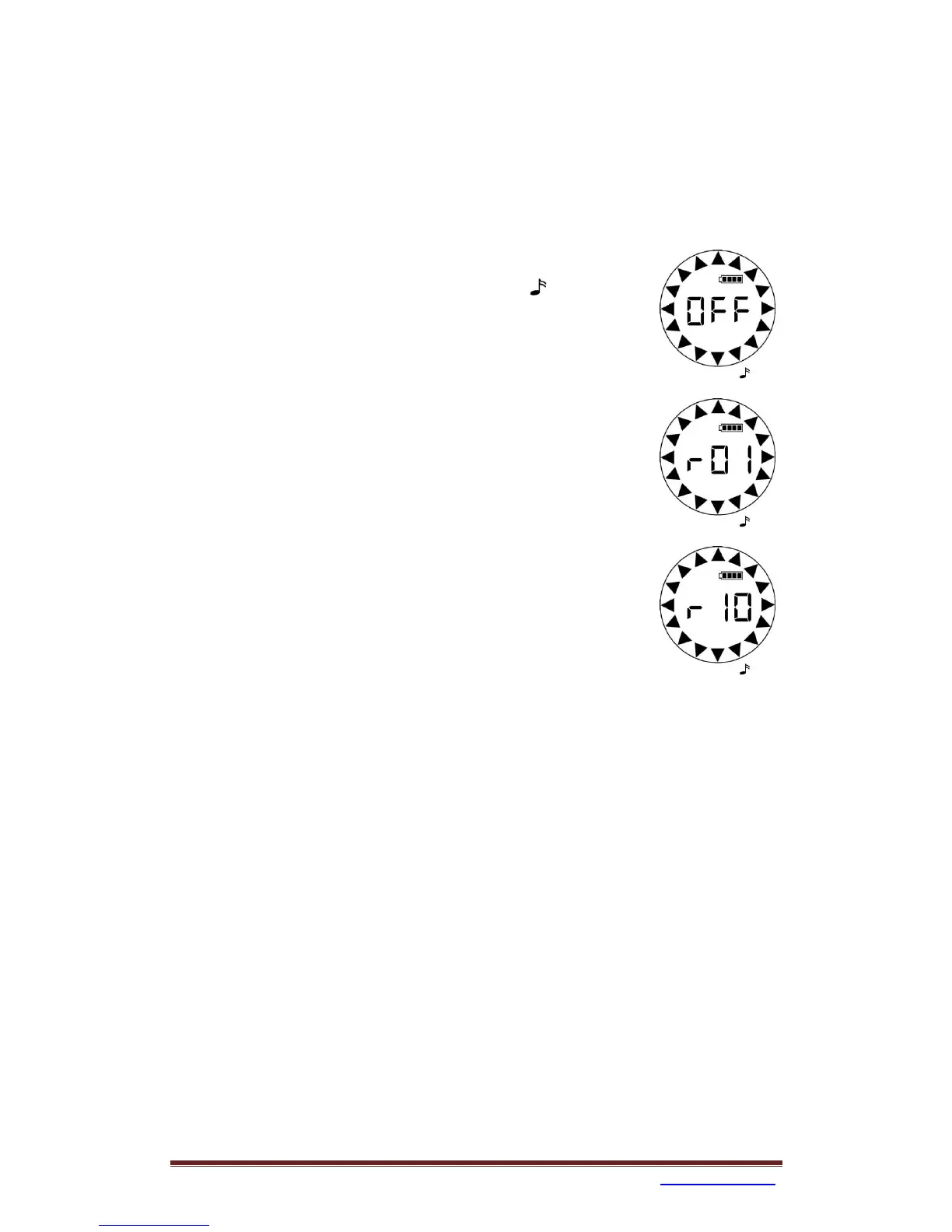
1. Click Power/Mode key to select Log icon .
2. Click Mark key to check current Log setting.
3. Press and hold Mark key, wait until an adequate digit
showing (off/1Hz/10Hz) then release Mark key and
miniHomer will memorize your choice.


 To Next Page