8
NBB Controls +
Components
GmbH
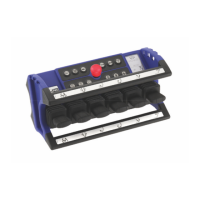
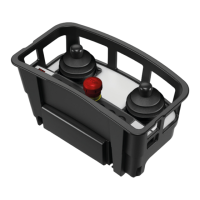
Transmitter HyPro-6 / HyPro-8
Operation of the system
> Switching the transmitter on and off
Design with emergency stop
– Unlock the Emergency Stop pushbutton by turning clockwise to switch on the transmitter.
– Two acoustic signal sounds.
– An antenna symbol appears in the LC display during operation.
– Switch off the transmitter by pressing the Emergency Stop pushbutton once.
After pressing the EMERGENCY STOP switch, the transmitter sends stop telegrams for 2 seconds
to switch off the system.
To ensure faultless free operation, please observe the following rules:
The system to be controlled – provided the transmitter is ready for operation – can only be switched on
if no command is activated. To start the system to be controlled and to activate the functions press the
“On/Horn” button, which also triggers a horn signal. Due to work specifications, the same button is
used for triggering repeated horn signals.
> Frequency change
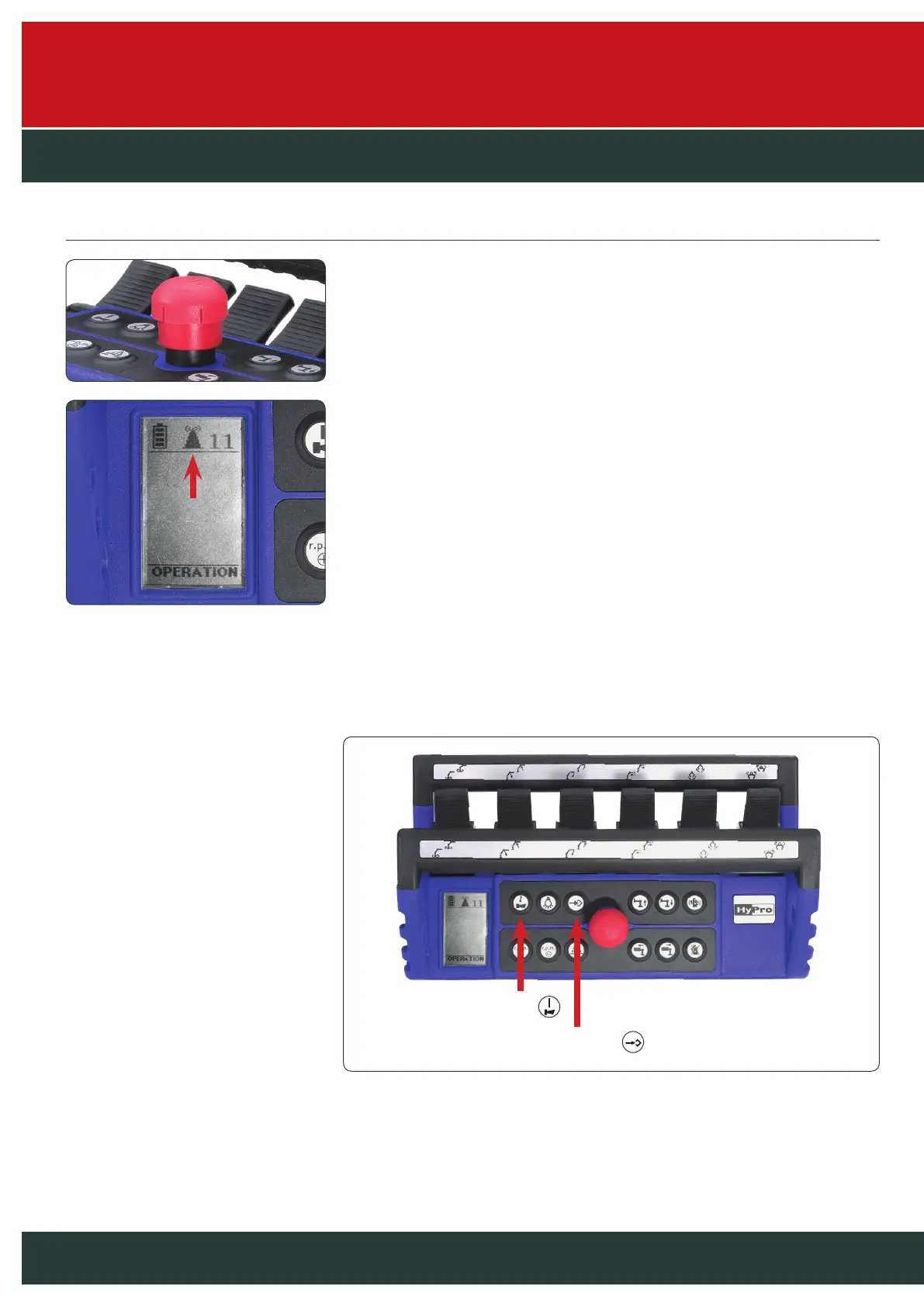
To change the frequency, press and hold the “On/Horn” button. Now press the “Frequency change”
button. Each press advances one channel. If the receiver locks on a new frequency, a horn signal
is triggered and the system is ready for operation. Please observe the country-specific regulations.
The system can also be equipped with automatic frequency change (LBT) as an option.
1. On/Horn
2. Frequency change


 To Next Page
 Loading...