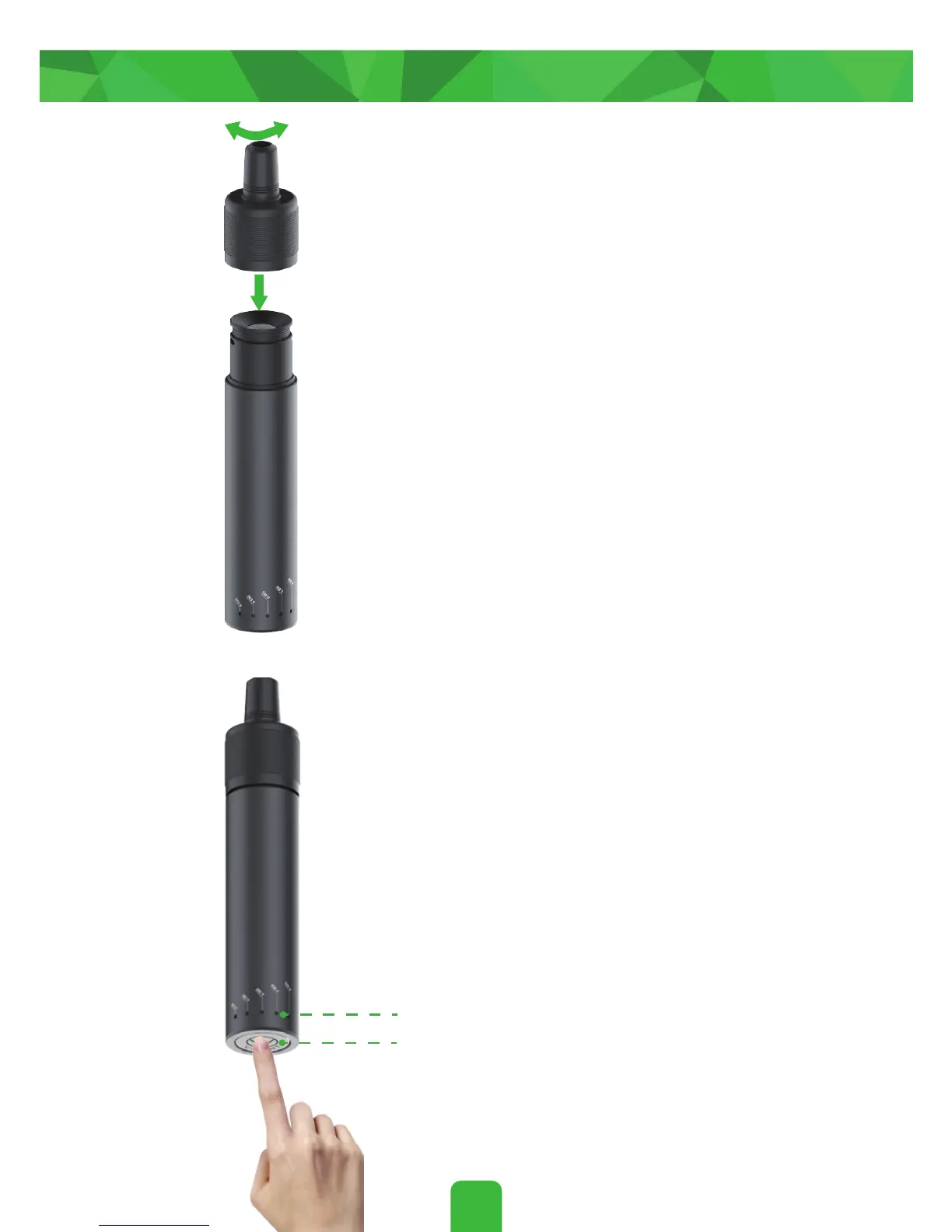
Twist and press on the top cap.
3.
Quickly press the power button 5
times to turn on het . One Press
and hold the power button for
2 seconds to start your session. After
flashing for about 30 seconds, the
LED will remain lit to indicate that
One
is ready for use.
4.
6
Getting Started
Power Button
LED Indicator
You can enjoy this session in 90 seconds.


 To Next Page