2
ENGLISH
Introduction:
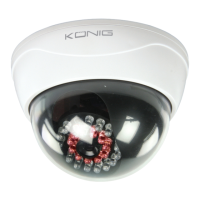
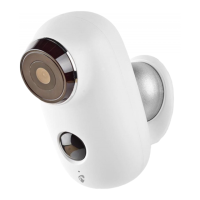
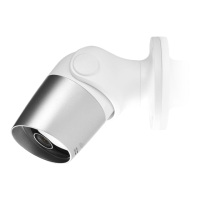
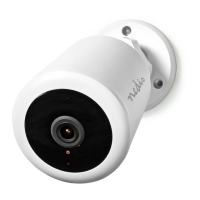
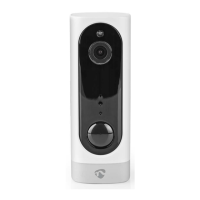
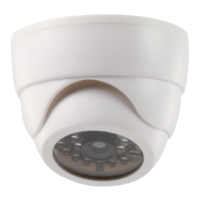
• Create the illusion of security with this professional looking CCTV dummy camera. The
adjustable dome allows you to point the dummy camera in to a certain direction. The
ashing LED and built-in IR LED make this camera look even more real.
• We recommend that you read this manual before installing/using this product.
• Keep this manual in a safe place for future reference.
Packaging:
• CCTV dummy camera
• Mounting screws and plugs
• User manuall
Specications:
Housing: plastic
IP protection: indoor use
Battery: 3x 1.5 V AAA batteries (not included)
Dimensions: 68 x 98 mm
Weight: 110 g (without batteries)
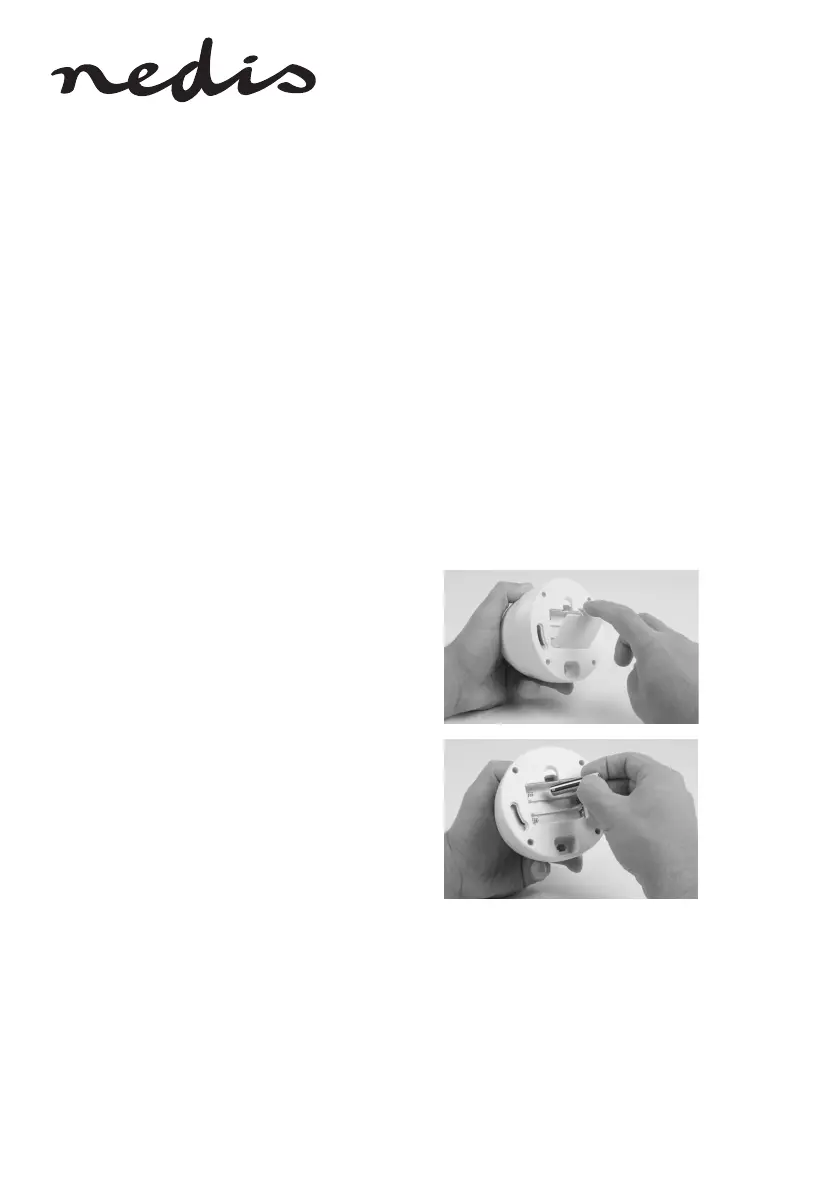
Insert the batteries to activate the ashing LED:
1. Remove the battery compartment at the backside
of the camera.
2. Insert 3x AAA 1.5 V batteries into the battery
compartment and correctly matching the polarity
markings (+ and -), to activate the ashing LED.
Close the battery compartment after inserting the
batteries.


 To Next Page