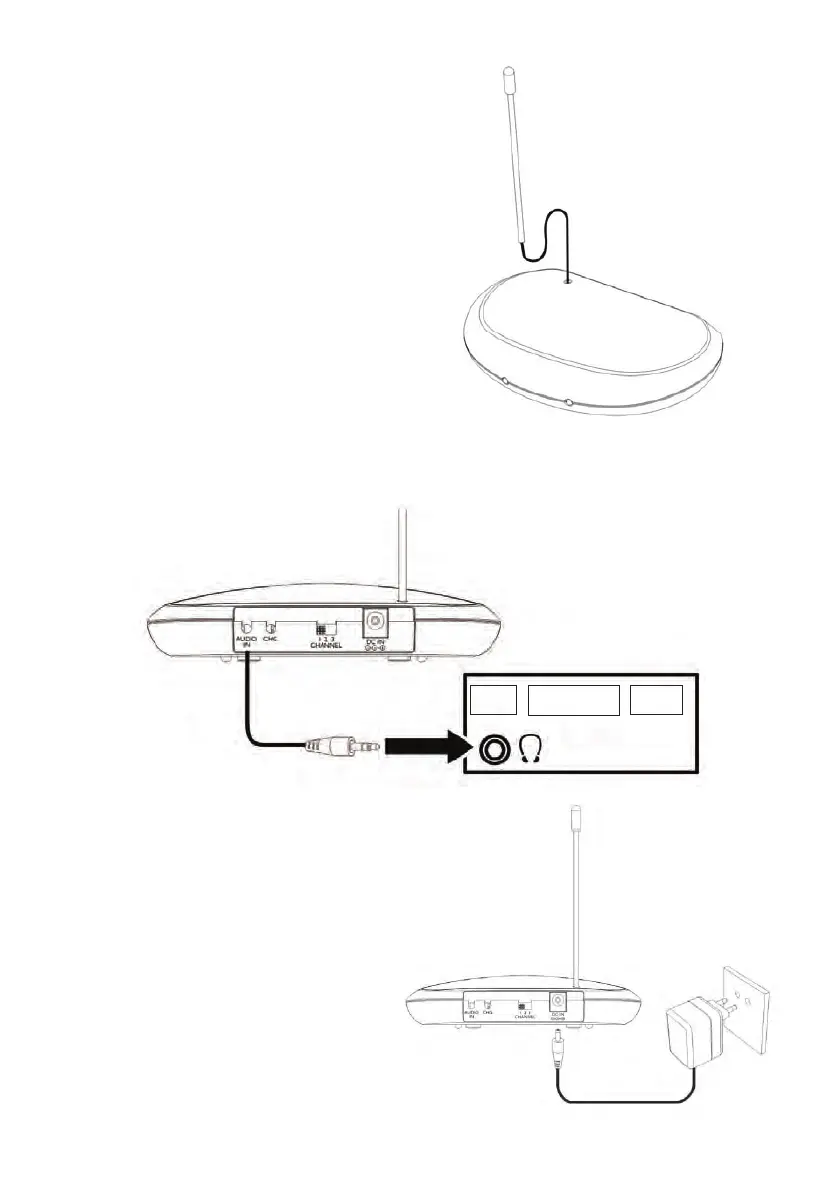
Step 3:
Insert the antenna into the antenna socket of
the transmitter.
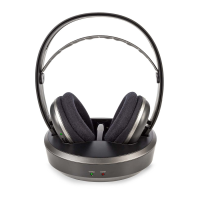
Step 4:
Connect the audio cable of the transmitter, tted with a 3.5 mm jack plug, to the headphones (audio)
output of an audio providing appliance, like TV, audio equipment, PC, etc.
TV
AUDIO
PC
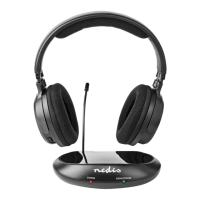
Step 5:
Connect the plug on the AC/DC mains adapter
cable to the DC IN socket at the back of the
transmitter. Then plug the adapter into a wall
outlet.
Note: the power LED will not light up if the
receiver is not receiving an audio signal.


 To Next Page