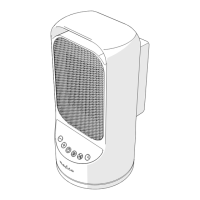
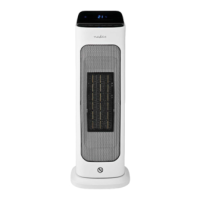
* = The product rotates slowly over the base from side to side.
2. Rotate the thermostat dial B⑦ to adjust the desired room temperature.
- When the room temperature reaches the selected level, the built-in thermostat
automatically switches off the product.
- When the room temperature decreases, the built-in thermostat automatically
switches the product back on.
⚠ The tip-over safety switch automatically switches off the product when it falls over.
Before using the product again: Switch off the product, disconnect the power plug and
check for damage.
⚠ Do not use a damaged or defective product, but return it for repair or replacement.
Stop using the product
1. Switch B① to the OFF position B②.
2. Unplug A⑤ from the power outlet.
3. Allow the product to cool down.
Maintenance
Cleaning the product
1. Before cleaning and maintenance, switch off the product and disconnect the power.
2. Allow the product to cool down.
3. Clean the outside of the product with a soft, clean, lightly damp cloth.
4. Clean the openings of the product with a fine brush.
⚠ Do not immerse the product in water or other liquids.
⚠ Do not use aggressive chemical cleaning agents such as ammonia, acid or acetone
when cleaning the product.
⚠ Avoid abrasives that can damage the surface.


 To Next Page